
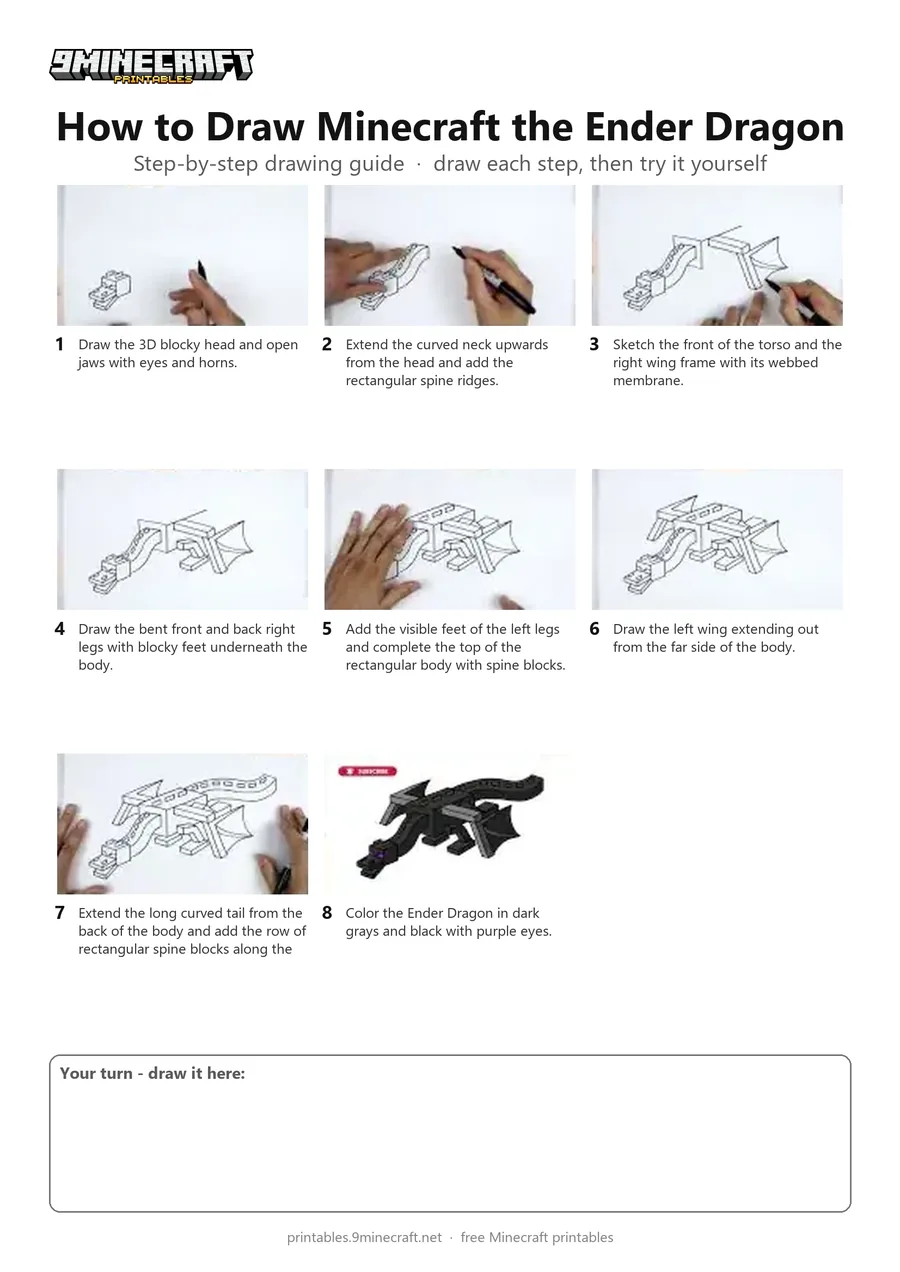
Learn how to draw the blocky 3D Ender Dragon from Minecraft in full perspective. This detailed step-by-step tutorial starts with the head and neck before building out the wings, legs, and spiked tail. Free printable PDF for A4 and US Letter paper.
Print at 100% scale (“Actual size”). Plain printer paper works fine; crayons, colored pencils or markers all work.
 Draw the 3D blocky head and open jaws with eyes and horns.
 Extend the curved neck upwards from the head and add the rectangular spine ridges.
 Sketch the front of the torso and the right wing frame with its webbed membrane.
 Draw the bent front and back right legs with blocky feet underneath the body.
 Add the visible feet of the left legs and complete the top of the rectangular body with spine blocks.
 Draw the left wing extending out from the far side of the body.
 Extend the long curved tail from the back of the body and add the row of rectangular spine blocks along the top.
 Color the Ender Dragon in dark grays and black with purple eyes.
You need: paper, black marker, colored markers.
Video by Cartooning Club How to Draw on YouTube.
 More How to Draw
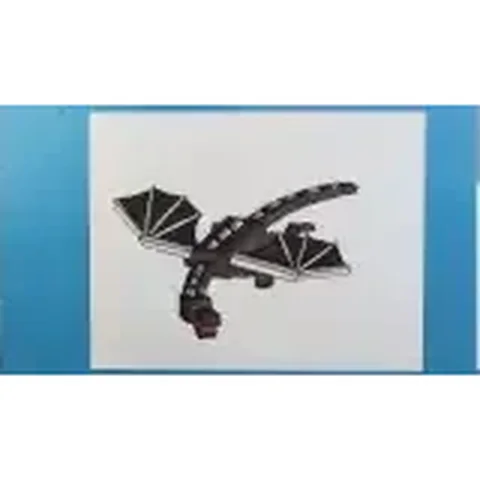 PDFHow to Draw Minecraft an Ender DragonDetailed · Ages 10+
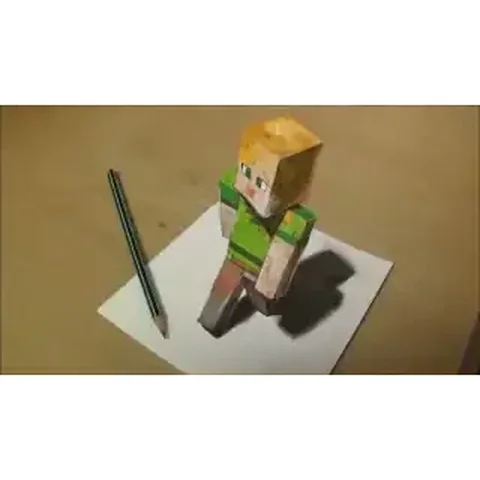 PDFHow to Draw 3D Alex from MinecraftDetailed · Ages 10+
 PDFHow to Draw Minecraft a 3D Floating CreeperDetailed · Ages 10+
 PDFHow to Draw a 3D Minecraft ZombieDetailed · Ages 10+
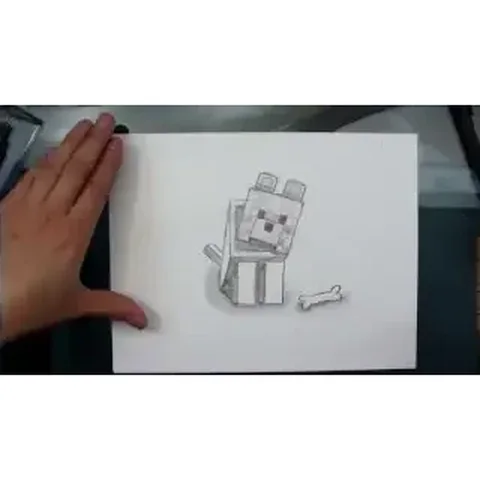 PDFHow to Draw a Minecraft WolfDetailed · Ages 10+
 PDFHow to Draw Minecraft an Enderman (Design 3)Detailed · Ages 7-9
 PDFHow to Draw Alex from MinecraftSimple · Ages 7-9
 PDFHow to Draw Alex from Minecraft (Design 2)Cute / chibi · Ages 7-9
 PDFHow to Draw Minecraft an AllayPixel style · Ages 7-9
 PDFHow to Draw Minecraft a Baby Happy GhastCute / chibi · Ages 7-9
 PDFHow to Draw a Minecraft BeePixel style · Ages 7-9
 PDFHow to Draw a Minecraft CatPixel style · Ages 7-9