
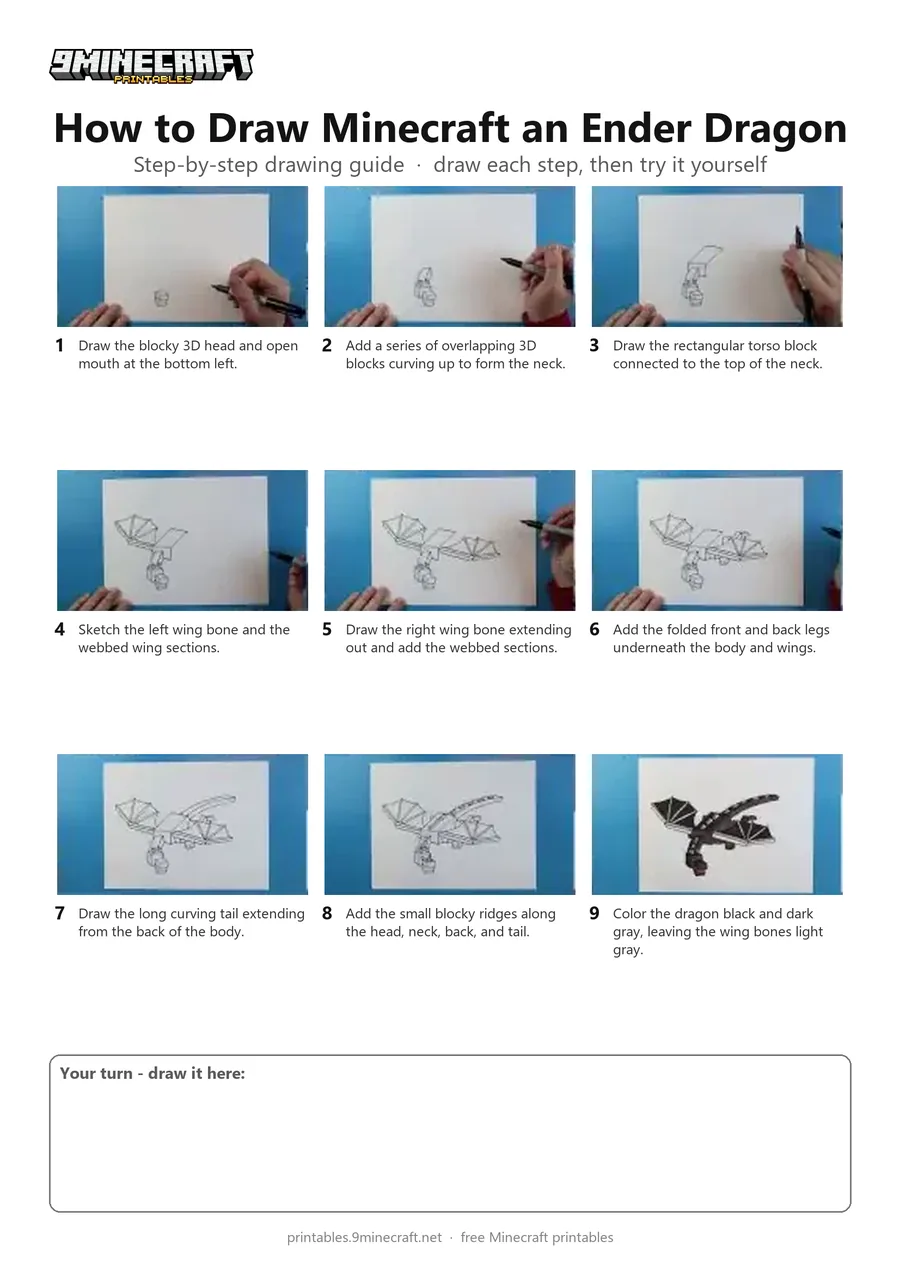
Learn how to draw the blocky Minecraft Ender Dragon in flight with its wings spread wide. The tutorial starts by building the 3D head and neck blocks, then adds the body, wings, legs, and tail before coloring it in. Free printable PDF for A4 and US Letter paper.
Print at 100% scale (“Actual size”). Plain printer paper works fine; crayons, colored pencils or markers all work.
 Draw the blocky 3D head and open mouth at the bottom left.
 Add a series of overlapping 3D blocks curving up to form the neck.
 Draw the rectangular torso block connected to the top of the neck.
 Sketch the left wing bone and the webbed wing sections.
 Draw the right wing bone extending out and add the webbed sections.
 Add the folded front and back legs underneath the body and wings.
 Draw the long curving tail extending from the back of the body.
 Add the small blocky ridges along the head, neck, back, and tail.
 Color the dragon black and dark gray, leaving the wing bones light gray.
You need: paper, black marker, colored markers.
Video by Art Land on YouTube.
 More How to Draw
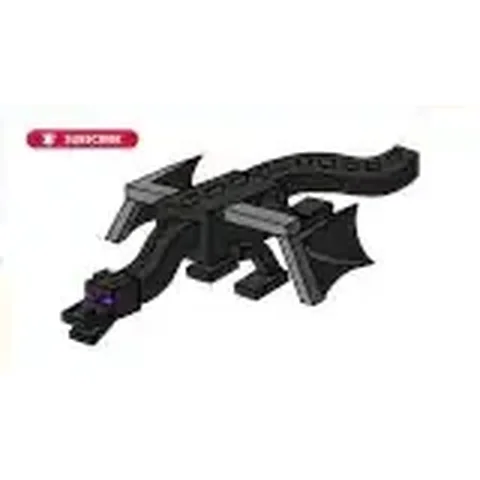 PDFHow to Draw Minecraft the Ender DragonDetailed · Ages 10+
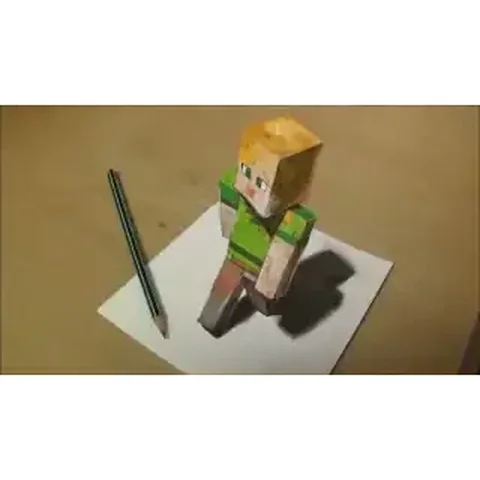 PDFHow to Draw 3D Alex from MinecraftDetailed · Ages 10+
 PDFHow to Draw Minecraft a 3D Floating CreeperDetailed · Ages 10+
 PDFHow to Draw a 3D Minecraft ZombieDetailed · Ages 10+
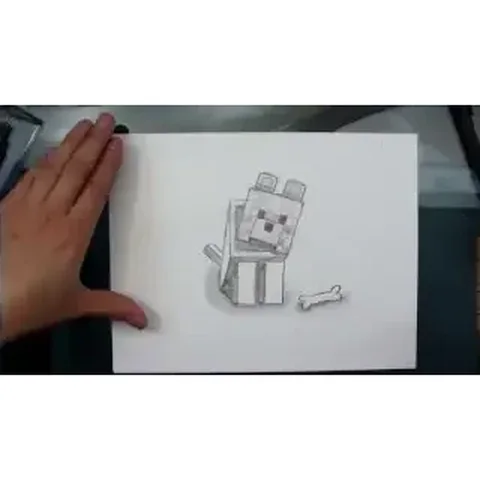 PDFHow to Draw a Minecraft WolfDetailed · Ages 10+
 PDFHow to Draw Minecraft an Enderman (Design 3)Detailed · Ages 7-9
 PDFHow to Draw Alex from MinecraftSimple · Ages 7-9
 PDFHow to Draw Alex from Minecraft (Design 2)Cute / chibi · Ages 7-9
 PDFHow to Draw Minecraft an AllayPixel style · Ages 7-9
 PDFHow to Draw Minecraft a Baby Happy GhastCute / chibi · Ages 7-9
 PDFHow to Draw a Minecraft BeePixel style · Ages 7-9
 PDFHow to Draw a Minecraft CatPixel style · Ages 7-9