
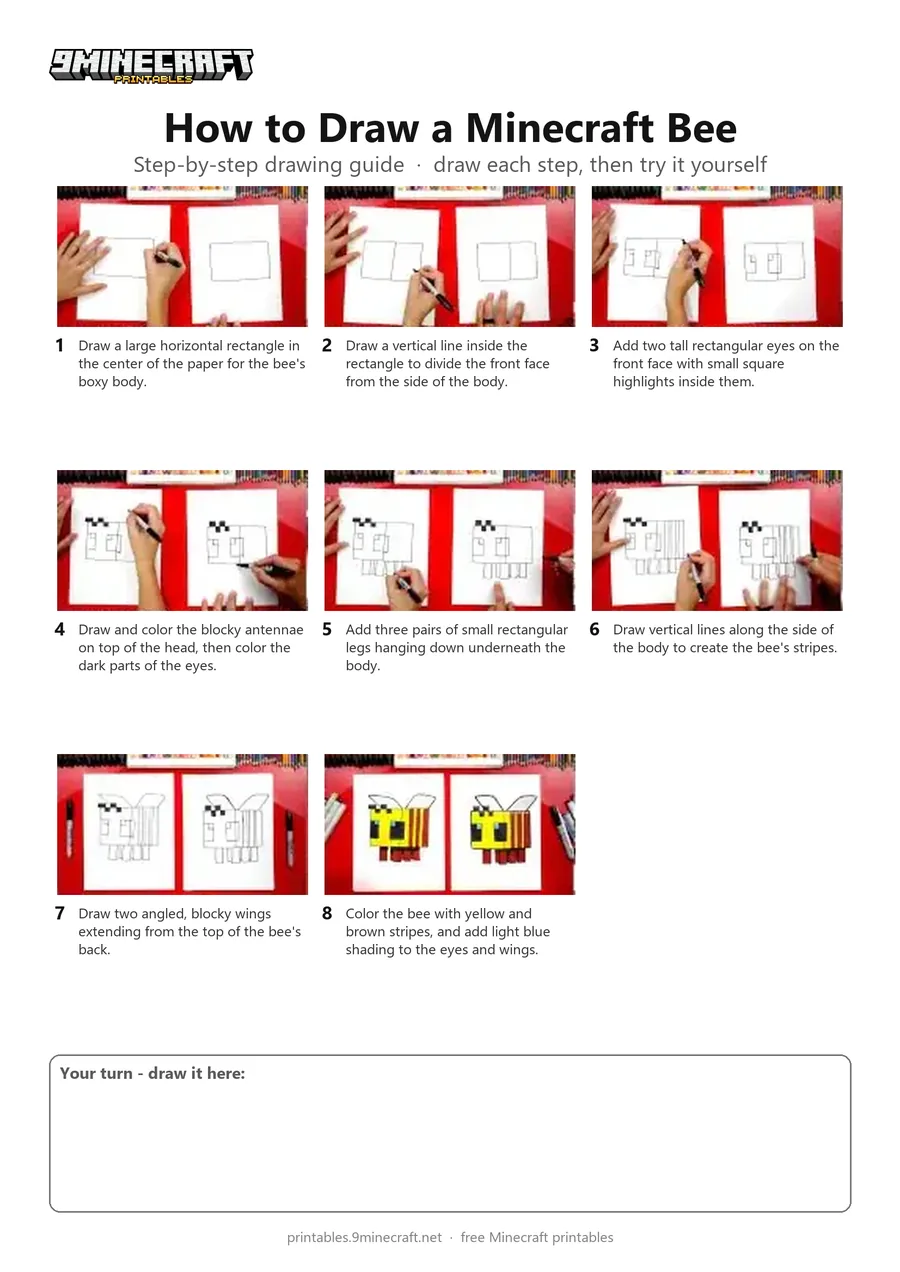
This tutorial shows how to draw a blocky 3D Minecraft bee using simple straight lines and rectangles. The finished drawing is colored in bright yellow and brown stripes with cute pixel-style facial details. Free printable PDF for A4 and US Letter paper.
Print at 100% scale (“Actual size”). Plain printer paper works fine; crayons, colored pencils or markers all work.
 Draw a large horizontal rectangle in the center of the paper for the bee's boxy body.
 Draw a vertical line inside the rectangle to divide the front face from the side of the body.
 Add two tall rectangular eyes on the front face with small square highlights inside them.
 Draw and color the blocky antennae on top of the head, then color the dark parts of the eyes.
 Add three pairs of small rectangular legs hanging down underneath the body.
 Draw vertical lines along the side of the body to create the bee's stripes.
 Draw two angled, blocky wings extending from the top of the bee's back.
 Color the bee with yellow and brown stripes, and add light blue shading to the eyes and wings.
You need: paper, black marker, colored markers.
Video by Art for Kids Hub on YouTube.
 More How to Draw
 PDFHow to Draw Minecraft an AllayPixel style · Ages 7-9
 PDFHow to Draw a Minecraft CatPixel style · Ages 7-9
 PDFHow to Draw a Minecraft Diamond SwordPixel style · Ages 7-9
 PDFHow to Draw a Minecraft FoxPixel style · Ages 7-9
 PDFHow to Draw a Minecraft GhastPixel style · Ages 7-9
 PDFHow to Draw Minecraft an Iron GolemPixel style · Ages 7-9
 PDFHow to Draw Minecraft a Pixel HeartPixel style · Ages 7-9
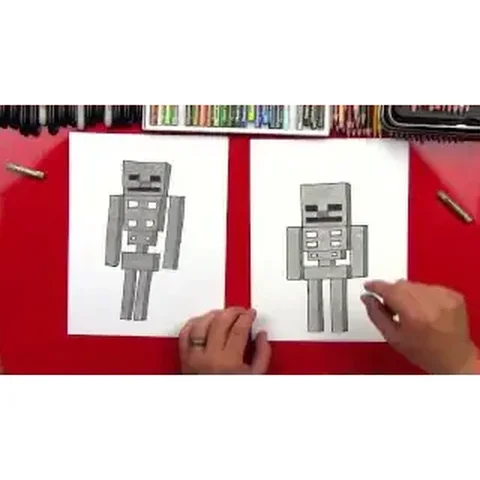 PDFHow to Draw a Minecraft SkeletonPixel style · Ages 7-9
 PDFHow to Draw Minecraft a Snow GolemPixel style · Ages 7-9
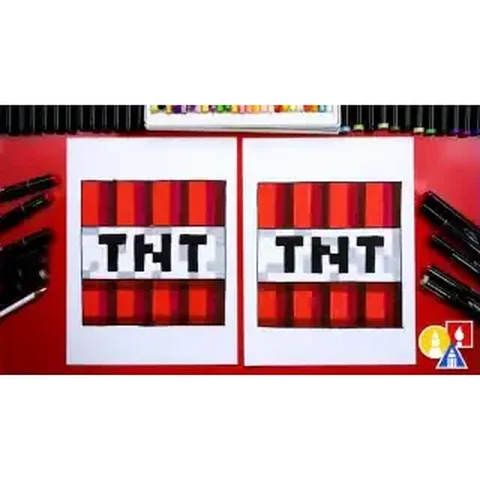 PDFHow to Draw Minecraft TNT (Design 2)Pixel style · Ages 7-9
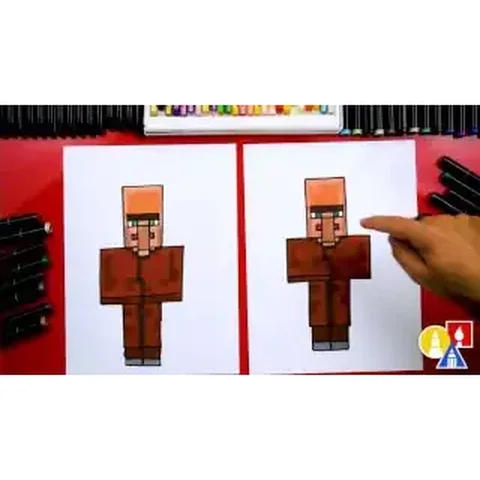 PDFHow to Draw a Minecraft VillagerPixel style · Ages 7-9
 PDFHow to Draw Minecraft a Christmas CreeperCute / chibi · Ages 7-9