
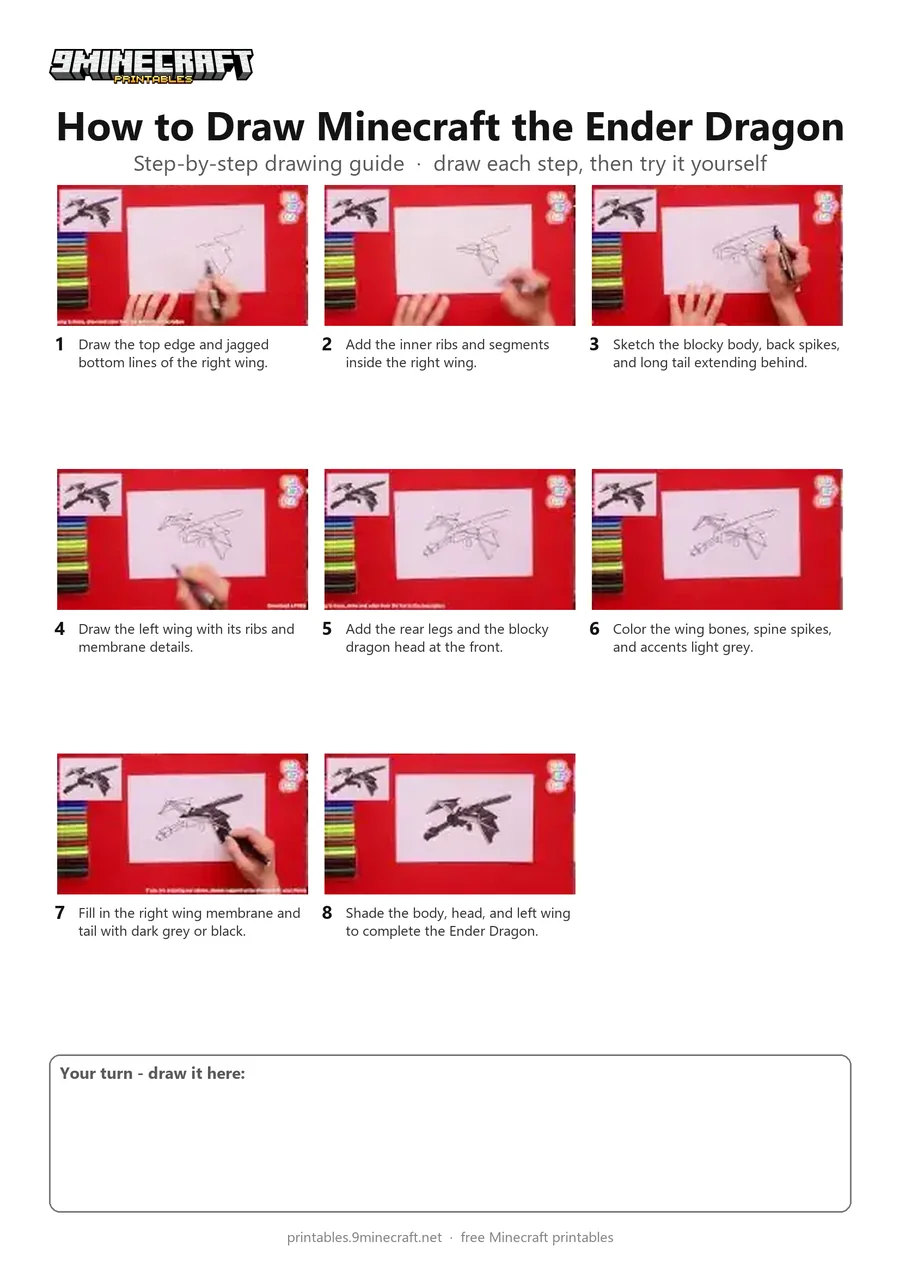
A step-by-step tutorial on drawing a blocky 3D Ender Dragon from Minecraft in mid-flight. The drawing is outlined with a black marker and shaded with grey and black colored pencils. Free printable PDF for A4 and US Letter paper.
Print at 100% scale (“Actual size”). Plain printer paper works fine; crayons, colored pencils or markers all work.
 Draw the top edge and jagged bottom lines of the right wing.
 Add the inner ribs and segments inside the right wing.
 Sketch the blocky body, back spikes, and long tail extending behind.
 Draw the left wing with its ribs and membrane details.
 Add the rear legs and the blocky dragon head at the front.
 Color the wing bones, spine spikes, and accents light grey.
 Fill in the right wing membrane and tail with dark grey or black.
 Shade the body, head, and left wing to complete the Ender Dragon.
You need: paper, black marker, colored pencils.
Video by Art For All on YouTube.
 More How to Draw
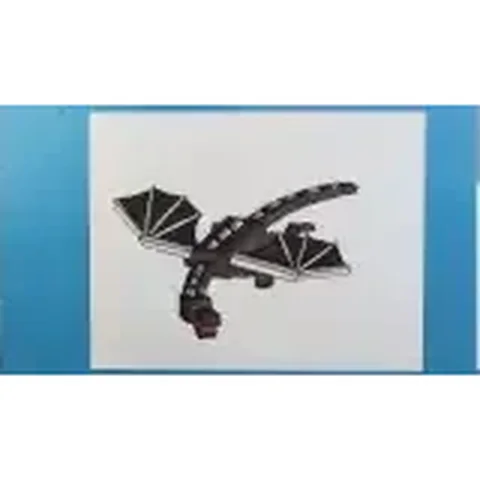 PDFHow to Draw Minecraft an Ender DragonDetailed · Ages 10+
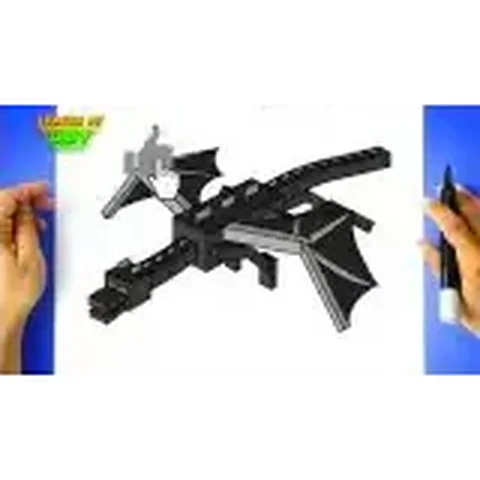 PDFHow to Draw Minecraft an Ender Dragon (Design 2)Detailed · Ages 10+
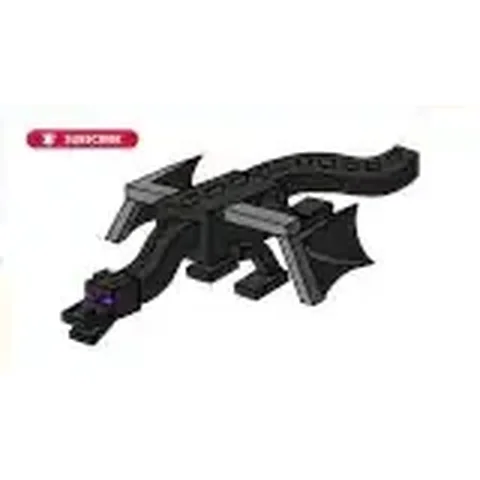 PDFHow to Draw Minecraft the Ender DragonDetailed · Ages 10+
 PDFHow to Draw Minecraft the Ender Dragon (Design 2)Detailed · Ages 10+
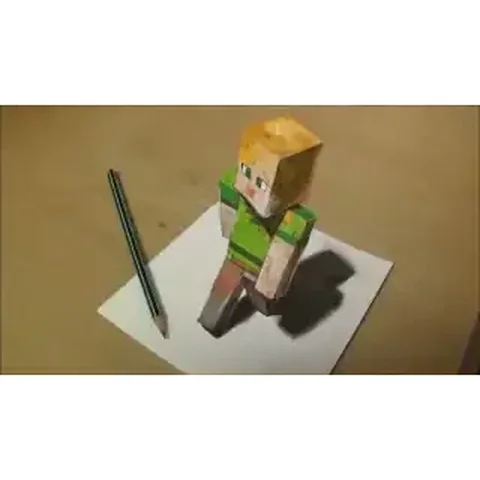 PDFHow to Draw 3D Alex from MinecraftDetailed · Ages 10+
 PDFHow to Draw a Minecraft RavagerDetailed · Ages 10+
 PDFHow to Draw Minecraft the Wither StormDetailed · Ages 10+
 PDFHow to Draw Minecraft a 3D Floating CreeperDetailed · Ages 10+
 PDFHow to Draw a 3D Minecraft ZombieDetailed · Ages 10+
 PDFHow to Draw Minecraft a Chicken Jockey (Design 4)Detailed · Ages 10+
 PDFHow to Draw a Minecraft SheepDetailed · Ages 10+
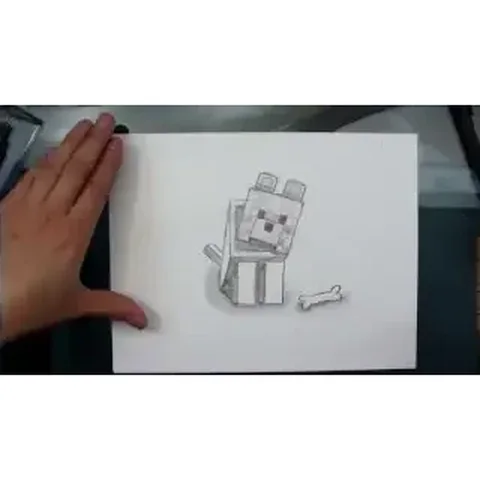 PDFHow to Draw a Minecraft WolfDetailed · Ages 10+