

Learn how to draw a detailed Minecraft Movie style Chicken Jockey featuring a grumpy baby zombie riding a chicken. The tutorial walks through outlining the face, head, chicken mount, and body with a black marker before adding color. Free printable PDF for A4 and US Letter paper.
Print at 100% scale (“Actual size”). Plain printer paper works fine; crayons, colored pencils or markers all work.
 Draw the baby zombie's angry eyes and furrowed brow lines.
 Add the nose and the frowning mouth showing teeth.
 Outline the square head and draw the messy hair on top.
 Draw the chicken's blocky beak just below the zombie.
 Add the chicken's head, eyes, and wattle under the beak.
 Draw the zombie's shirt, arms, and hands holding onto the chicken.
 Draw the chicken's body and the zombie's legs straddling its sides.
 Color in the baby zombie and the chicken to complete the drawing.
You need: marker, paper, colored pencils.
Video by Art.Simple. on YouTube.
 More How to Draw
 PDFHow to Draw Minecraft a Chicken JockeyCartoon · Ages 7-9
 PDFHow to Draw a Minecraft Chicken JockeyCute / chibi · Ages 7-9
 PDFHow to Draw Minecraft a Chicken Jockey (Design 3)Cute / chibi · Ages 7-9
 PDFHow to Draw Minecraft a 3D Floating CreeperDetailed · Ages 10+
 PDFHow to Draw a 3D Minecraft ZombieDetailed · Ages 10+
 PDFHow to Draw Minecraft a Chicken Jockey (Design 2)Cute / chibi · Ages 7-9
 PDFHow to Draw a Minecraft SheepDetailed · Ages 10+
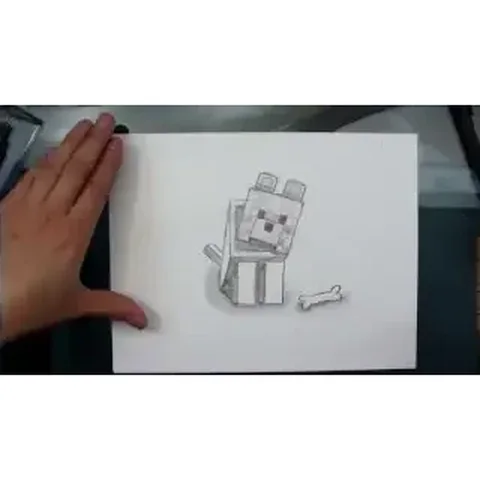 PDFHow to Draw a Minecraft WolfDetailed · Ages 10+
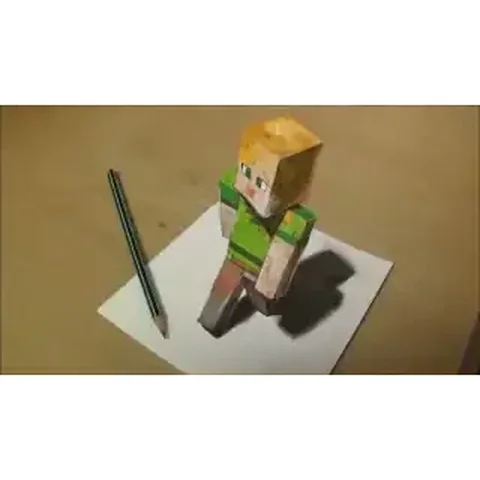 PDFHow to Draw 3D Alex from MinecraftDetailed · Ages 10+
 PDFHow to Draw a 3D Minecraft CreeperDetailed · Ages 7-9
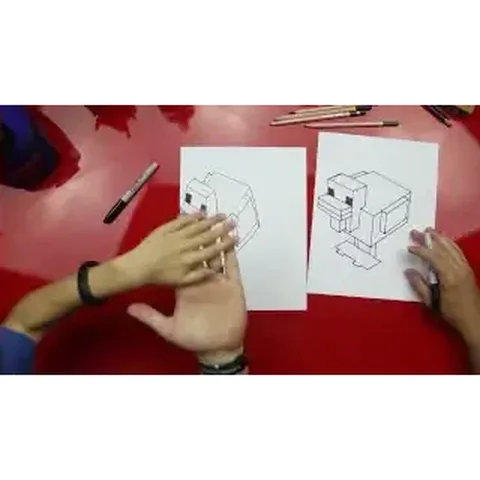 PDFHow to Draw a Minecraft ChickenPixel style · Ages 7-9
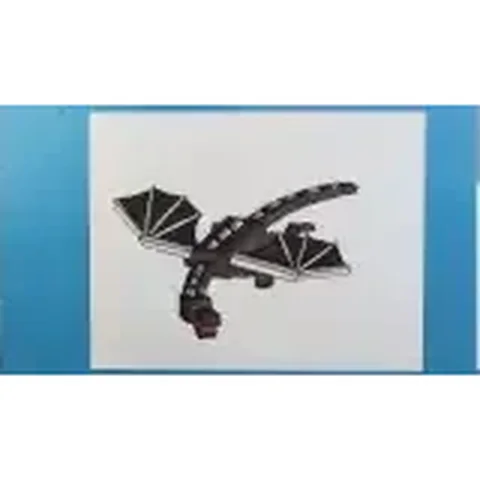 PDFHow to Draw Minecraft an Ender DragonDetailed · Ages 10+