
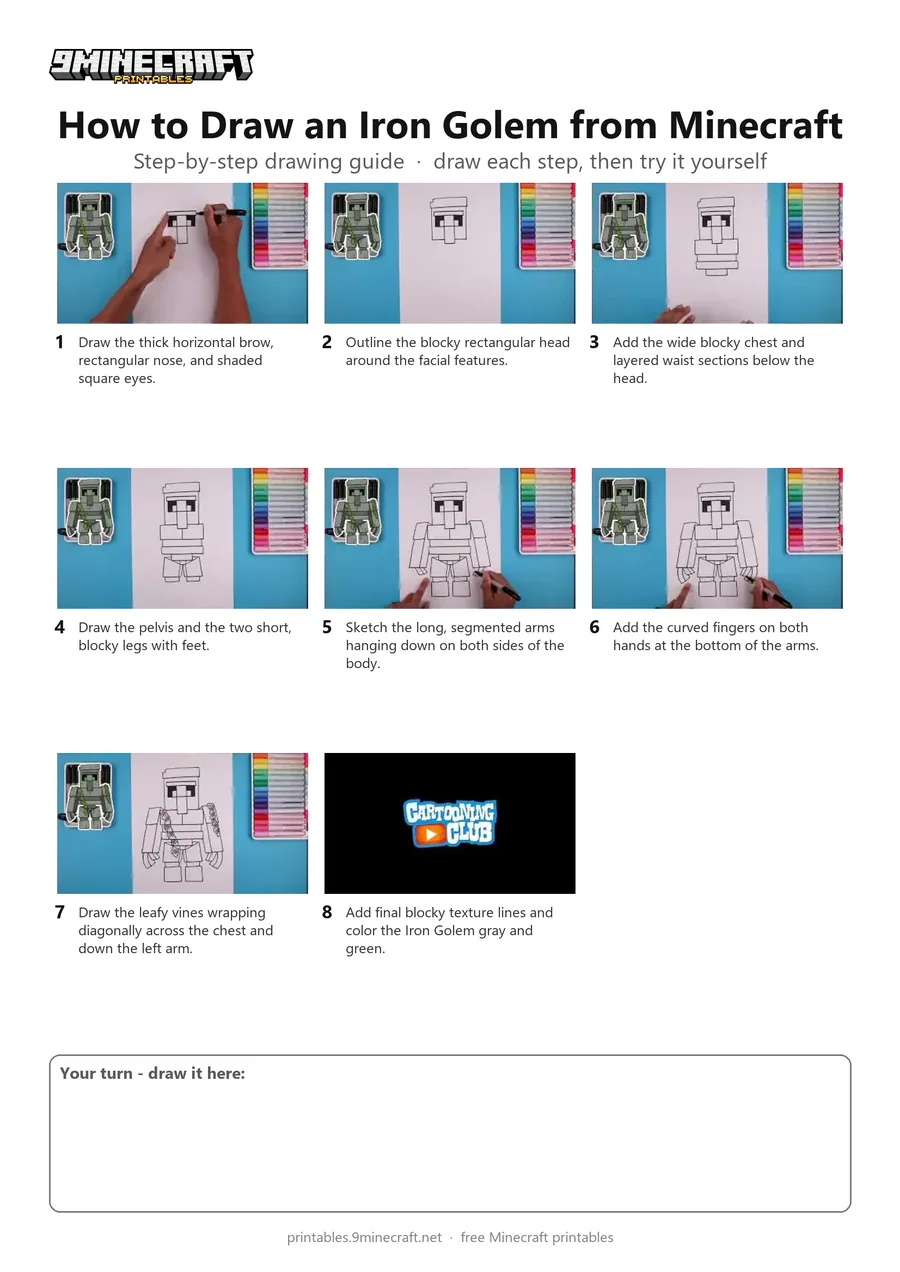
Learn how to draw a detailed Minecraft Iron Golem complete with blocky limbs and overgrown vines. The tutorial breaks down the 3D blocky shapes step-by-step using a black marker on paper. Free printable PDF for A4 and US Letter paper.
Print at 100% scale (“Actual size”). Plain printer paper works fine; crayons, colored pencils or markers all work.
 Draw the thick horizontal brow, rectangular nose, and shaded square eyes.
 Outline the blocky rectangular head around the facial features.
 Add the wide blocky chest and layered waist sections below the head.
 Draw the pelvis and the two short, blocky legs with feet.
 Sketch the long, segmented arms hanging down on both sides of the body.
 Add the curved fingers on both hands at the bottom of the arms.
 Draw the leafy vines wrapping diagonally across the chest and down the left arm.
 Add final blocky texture lines and color the Iron Golem gray and green.
You need: paper, black marker, colored markers.
Video by Cartooning Club How to Draw on YouTube.
 More How to Draw
 PDFHow to Draw a 3D Minecraft CreeperDetailed · Ages 7-9
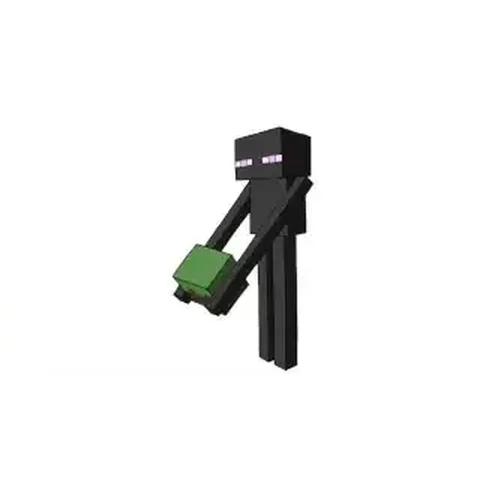 PDFHow to Draw Minecraft an Enderman (Design 3)Detailed · Ages 7-9
 PDFHow to Draw Minecraft an Iron Golem (Design 2)Pixel style · Ages 7-9
 PDFHow to Draw the Minecraft LogoDetailed · Ages 7-9
 PDFHow to Draw Minecraft the Warden (Design 5)Detailed · Ages 7-9
 PDFHow to Draw Minecraft the Wither Storm (Design 2)Detailed · Ages 7-9
 PDFHow to Draw a Minecraft Witch (Design 2)Detailed · Ages 7-9
 PDFHow to Draw Minecraft a WitherDetailed · Ages 7-9
 PDFHow to Draw Minecraft a 3D Floating CreeperDetailed · Ages 10+
 PDFHow to Draw a 3D Minecraft ZombieDetailed · Ages 10+
 PDFHow to Draw Alex from Minecraft (Design 5)Simple · Ages 7-9
 PDFHow to Draw Alex from Minecraft (Design 6)Pixel style · Ages 7-9