
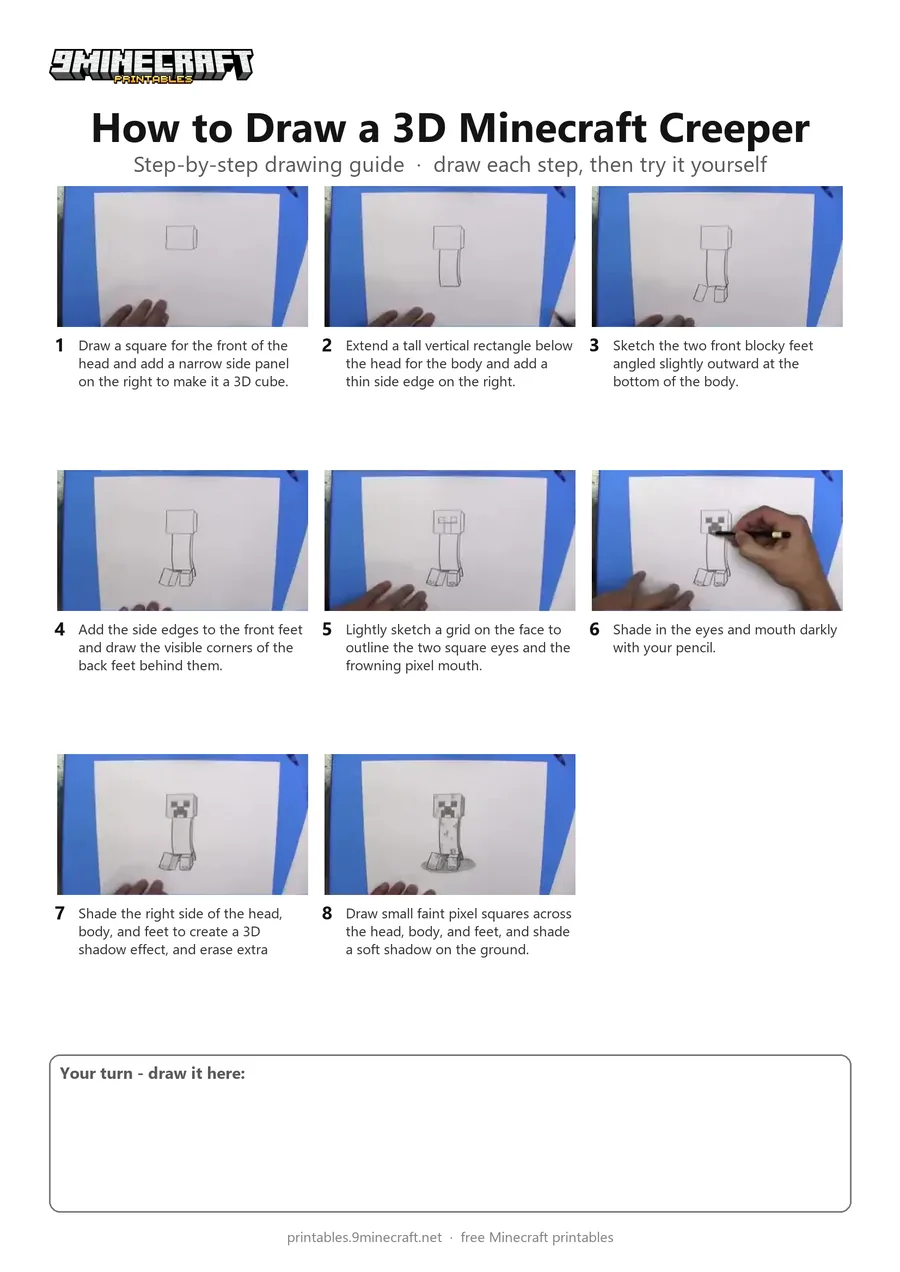
Learn how to draw a three-dimensional Minecraft Creeper in pencil with realistic shading. This tutorial breaks down the blocky 3D shapes from the head to the feet before adding pixel textures and cast shadows. Free printable PDF for A4 and US Letter paper.
Print at 100% scale (“Actual size”). Plain printer paper works fine; crayons, colored pencils or markers all work.
 Draw a square for the front of the head and add a narrow side panel on the right to make it a 3D cube.
 Extend a tall vertical rectangle below the head for the body and add a thin side edge on the right.
 Sketch the two front blocky feet angled slightly outward at the bottom of the body.
 Add the side edges to the front feet and draw the visible corners of the back feet behind them.
 Lightly sketch a grid on the face to outline the two square eyes and the frowning pixel mouth.
 Shade in the eyes and mouth darkly with your pencil.
 Shade the right side of the head, body, and feet to create a 3D shadow effect, and erase extra guidelines.
 Draw small faint pixel squares across the head, body, and feet, and shade a soft shadow on the ground.
You need: pencil, paper, eraser.
Video by DKD Art Studio on YouTube.
 More How to Draw
 PDFHow to Draw Minecraft a 3D Floating CreeperDetailed · Ages 10+
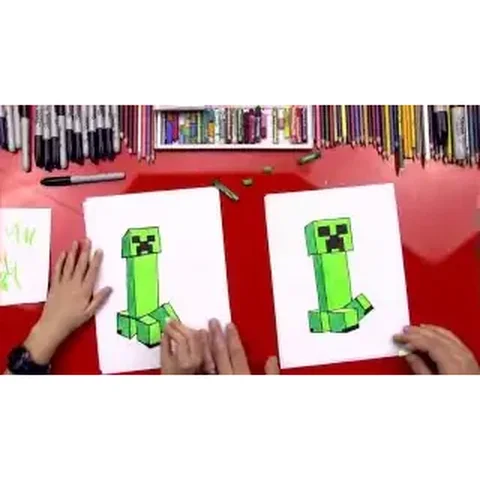 PDFHow to Draw a Minecraft CreeperCartoon · Ages 7-9
 PDFHow to Draw a Minecraft Creeper (Design 5)Cartoon · Ages 7-9
 PDFHow to Draw a Minecraft Creeper Surprise FoldCute / chibi · Ages 7-9
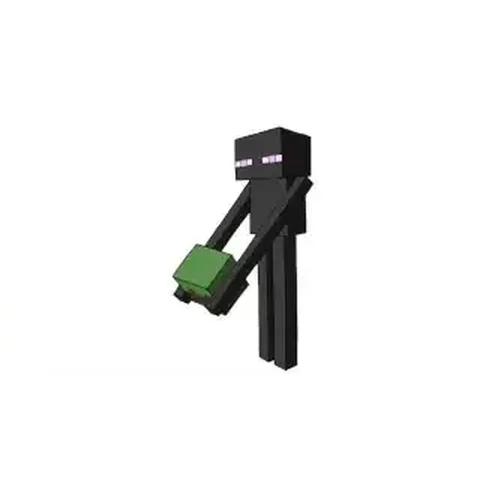 PDFHow to Draw Minecraft an Enderman (Design 3)Detailed · Ages 7-9
 PDFHow to Draw Minecraft an Exploding Creeper Folding SurpriseCartoon · Ages 7-9
 PDFHow to Draw the Minecraft LogoDetailed · Ages 7-9
 PDFHow to Draw a 3D Minecraft ZombieDetailed · Ages 10+
 PDFHow to Draw a Minecraft AxolotlPixel style · Ages 7-9
 PDFHow to Draw a Minecraft Chest Folding SurpriseCartoon · Ages 7-9
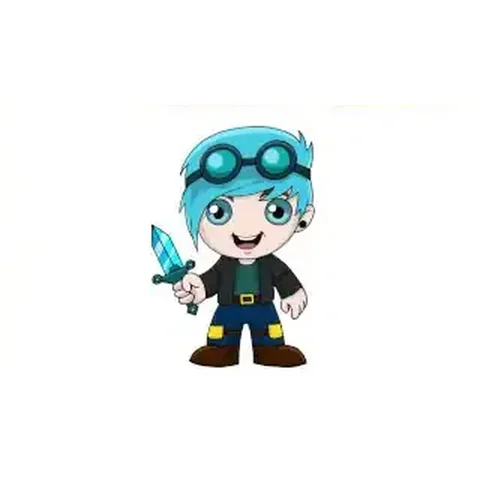 PDFHow to Draw Minecraft Chibi DanTDMCute / chibi · Ages 7-9
 PDFHow to Draw a Minecraft ChickenPixel style · Ages 7-9