
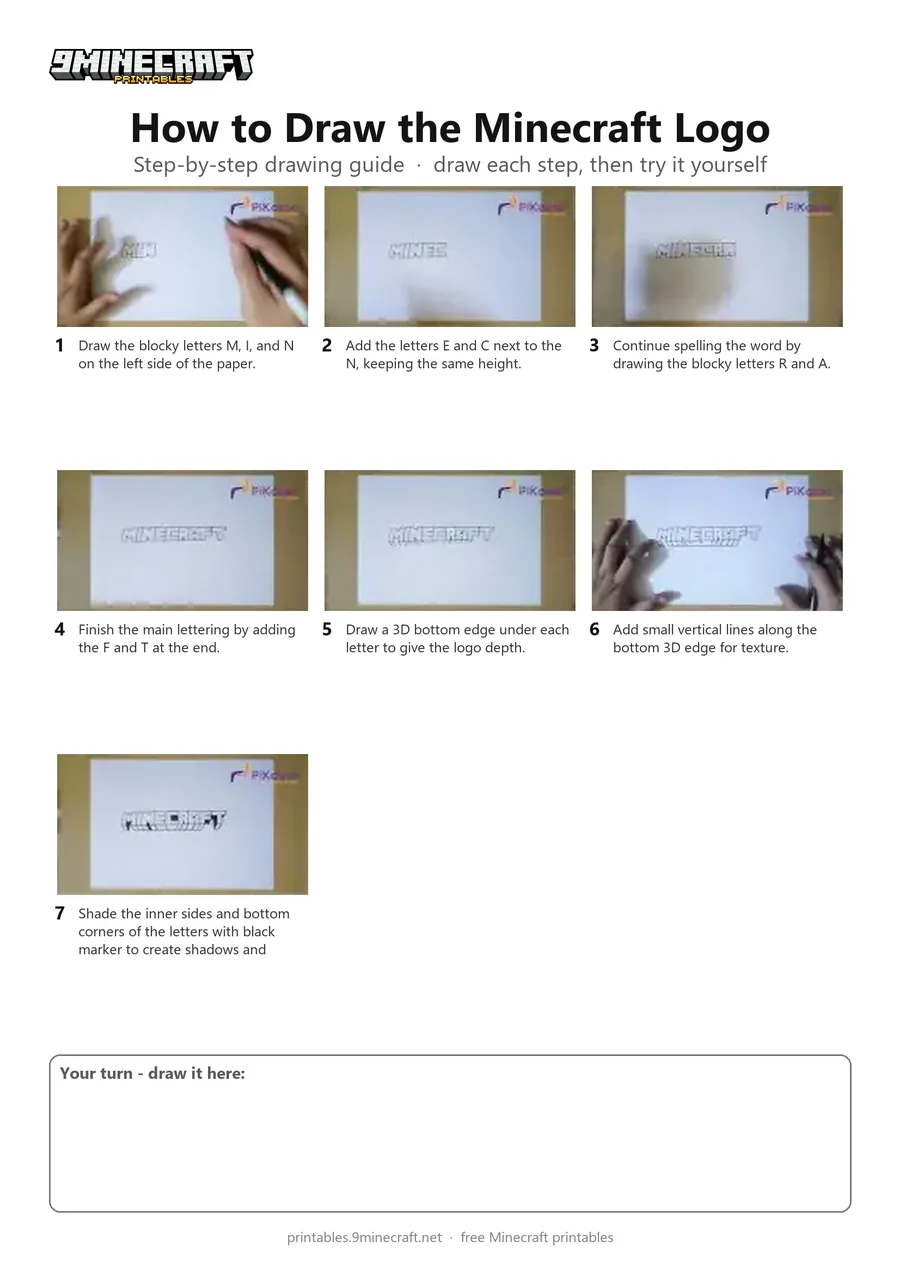
This tutorial shows how to draw the blocky 3D Minecraft title logo using a black marker. The letters are outlined first, then given three-dimensional depth and shaded details. Free printable PDF for A4 and US Letter paper.
Print at 100% scale (“Actual size”). Plain printer paper works fine; crayons, colored pencils or markers all work.
 Draw the blocky letters M, I, and N on the left side of the paper.
 Add the letters E and C next to the N, keeping the same height.
 Continue spelling the word by drawing the blocky letters R and A.
 Finish the main lettering by adding the F and T at the end.
 Draw a 3D bottom edge under each letter to give the logo depth.
 Add small vertical lines along the bottom 3D edge for texture.
 Shade the inner sides and bottom corners of the letters with black marker to create shadows and cracks.
You need: paper, black marker.
Video by PiKasso Draw on YouTube.
 More How to Draw
 PDFHow to Draw a 3D Minecraft CreeperDetailed · Ages 7-9
 PDFHow to Draw Minecraft an Enderman (Design 3)Detailed · Ages 7-9
 PDFHow to Draw Minecraft a 3D Floating CreeperDetailed · Ages 10+
 PDFHow to Draw a 3D Minecraft ZombieDetailed · Ages 10+
 PDFHow to Draw a Minecraft AxolotlPixel style · Ages 7-9
 PDFHow to Draw a Minecraft Chest Folding SurpriseCartoon · Ages 7-9
 PDFHow to Draw Minecraft Chibi DanTDMCute / chibi · Ages 7-9
 PDFHow to Draw a Minecraft ChickenPixel style · Ages 7-9
 PDFHow to Draw Minecraft a Chicken JockeyCartoon · Ages 7-9
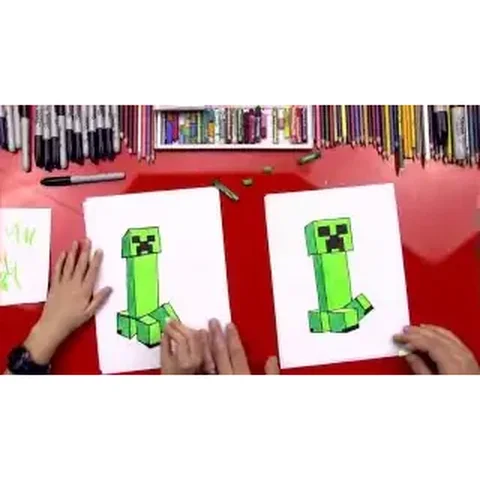 PDFHow to Draw a Minecraft CreeperCartoon · Ages 7-9
 PDFHow to Draw a Minecraft Creeper (Design 5)Cartoon · Ages 7-9
 PDFHow to Draw a Minecraft Creeper Surprise FoldCute / chibi · Ages 7-9