
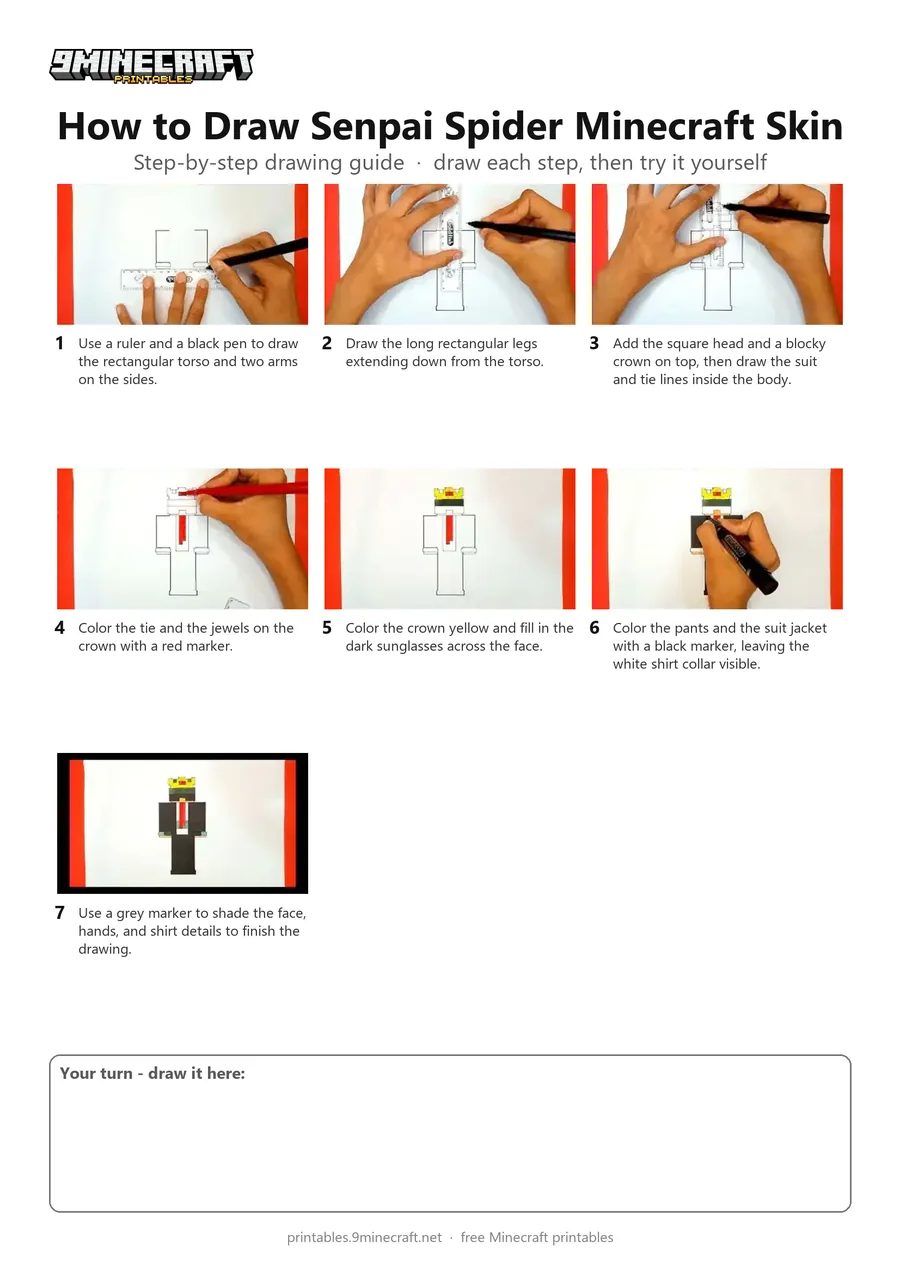
This tutorial shows how to draw the Senpai Spider Minecraft character skin wearing a black suit, red tie, and golden crown. You will use a ruler to draw the blocky outline and colored markers to fill in the details. Free printable PDF for A4 and US Letter paper.
Print at 100% scale (“Actual size”). Plain printer paper works fine; crayons, colored pencils or markers all work.
 Use a ruler and a black pen to draw the rectangular torso and two arms on the sides.
 Draw the long rectangular legs extending down from the torso.
 Add the square head and a blocky crown on top, then draw the suit and tie lines inside the body.
 Color the tie and the jewels on the crown with a red marker.
 Color the crown yellow and fill in the dark sunglasses across the face.
 Color the pants and the suit jacket with a black marker, leaving the white shirt collar visible.
 Use a grey marker to shade the face, hands, and shirt details to finish the drawing.
You need: ruler, black pen, colored markers.
Video by CRAZY DRAWINGS on YouTube.
 More How to Draw
 PDFHow to Draw Minecraft an AllayPixel style · Ages 7-9
 PDFHow to Draw a Minecraft BeePixel style · Ages 7-9
 PDFHow to Draw a Minecraft CatPixel style · Ages 7-9
 PDFHow to Draw a Minecraft Chicken (Design 2)Pixel style · Ages 7-9
 PDFHow to Draw a Minecraft CowPixel style · Ages 7-9
 PDFHow to Draw a Minecraft Creeper FacePixel style · Ages 7-9
 PDFHow to Draw a Minecraft Creeper (Design 6)Pixel style · Ages 7-9
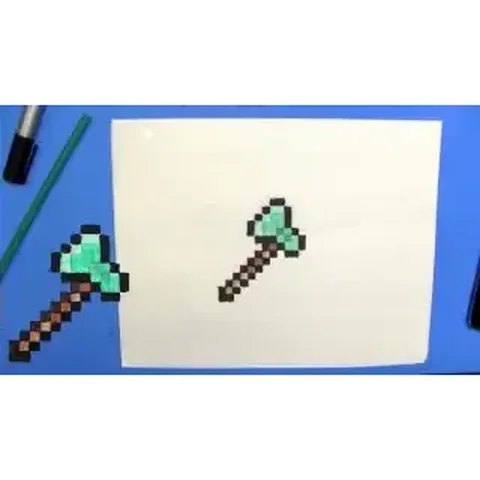 PDFHow to Draw a Minecraft Diamond AxePixel style · Ages 7-9
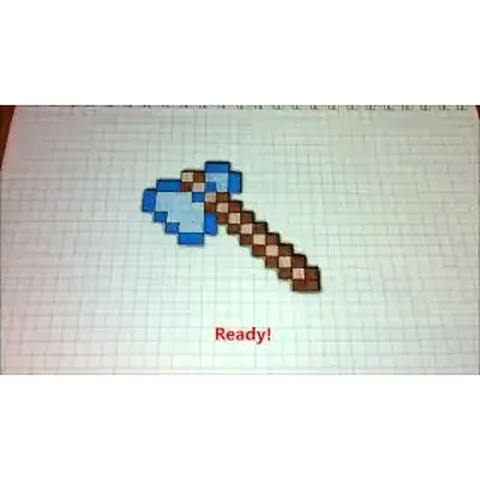 PDFHow to Draw a Minecraft Diamond Axe (Design 2)Pixel style · Ages 7-9
 PDFHow to Draw a Minecraft Diamond Axe (Design 3)Pixel style · Ages 7-9
 PDFHow to Draw a Minecraft DiamondPixel style · Ages 7-9
 PDFHow to Draw a Minecraft Diamond PickaxePixel style · Ages 7-9