

Learn how to draw a classic retro Minecraft pixel heart on plain paper without needing grid paper. You will first sketch the square pixel outline with a pencil, then fill in the black border and bright red interior with markers. Free printable PDF for A4 and US Letter paper.
Print at 100% scale (“Actual size”). Plain printer paper works fine; crayons, colored pencils or markers all work.
 Use a pencil to lightly sketch the top pixel squares of the heart outline.
 Continue sketching the stepped pixel squares down both sides to meet at the bottom point.
 Outline and fill in the right side of the pixel border using a black marker.
 Complete the black pixel outline around the left side of the heart and erase any extra pencil marks.
 Outline one small square pixel in the upper left inside the heart to leave white as a highlight.
 Color the rest of the inside of the heart with a red marker.
You need: pencil, eraser, black marker, red marker.
Video by Feeling Artsy on YouTube.
 More How to Draw
 PDFHow to Draw Minecraft an AllayPixel style · Ages 7-9
 PDFHow to Draw a Minecraft BeePixel style · Ages 7-9
 PDFHow to Draw a Minecraft CatPixel style · Ages 7-9
 PDFHow to Draw a Minecraft Chicken (Design 2)Pixel style · Ages 7-9
 PDFHow to Draw a Minecraft CowPixel style · Ages 7-9
 PDFHow to Draw a Minecraft Creeper FacePixel style · Ages 7-9
 PDFHow to Draw a Minecraft Creeper (Design 6)Pixel style · Ages 7-9
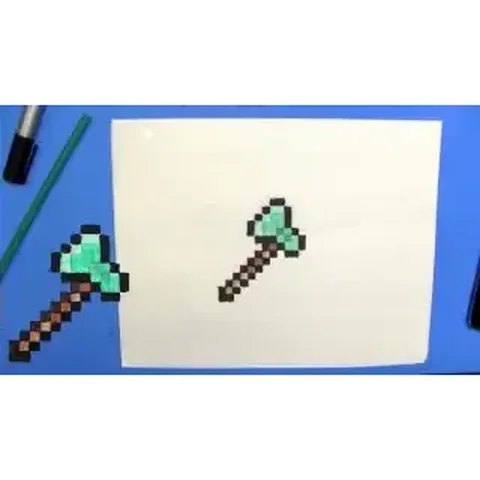 PDFHow to Draw a Minecraft Diamond AxePixel style · Ages 7-9
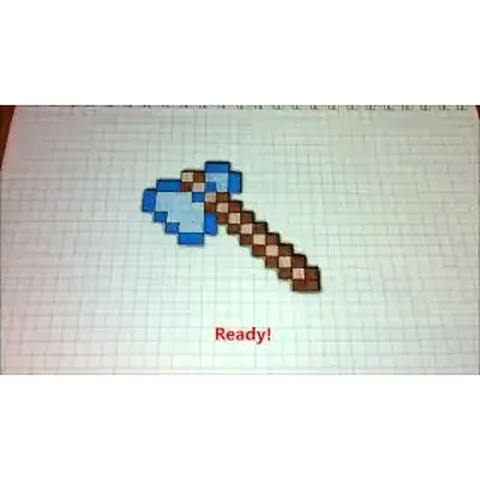 PDFHow to Draw a Minecraft Diamond Axe (Design 2)Pixel style · Ages 7-9
 PDFHow to Draw a Minecraft Diamond Axe (Design 3)Pixel style · Ages 7-9
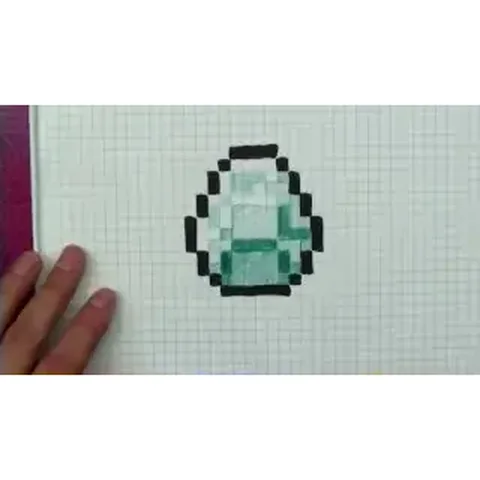 PDFHow to Draw a Minecraft DiamondPixel style · Ages 7-9
 PDFHow to Draw a Minecraft Diamond PickaxePixel style · Ages 7-9