
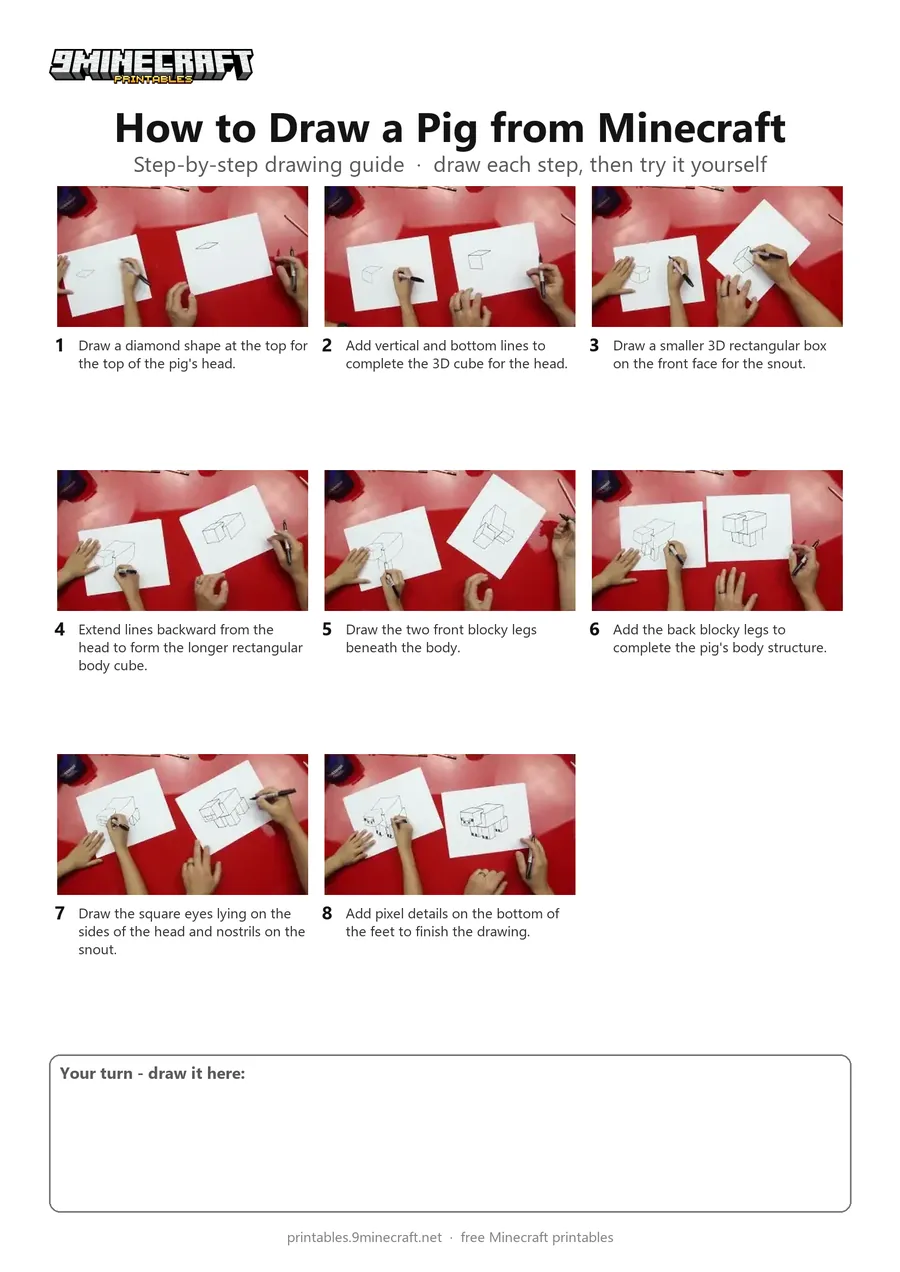
A step-by-step tutorial showing how to draw a 3D blocky Minecraft pig using a black marker. The drawing uses simple geometric cubes and perspective lines to build the head, snout, body, and legs. Free printable PDF for A4 and US Letter paper.
Print at 100% scale (“Actual size”). Plain printer paper works fine; crayons, colored pencils or markers all work.
 Draw a diamond shape at the top for the top of the pig's head.
 Add vertical and bottom lines to complete the 3D cube for the head.
 Draw a smaller 3D rectangular box on the front face for the snout.
 Extend lines backward from the head to form the longer rectangular body cube.
 Draw the two front blocky legs beneath the body.
 Add the back blocky legs to complete the pig's body structure.
 Draw the square eyes lying on the sides of the head and nostrils on the snout.
 Add pixel details on the bottom of the feet to finish the drawing.
You need: paper, marker.
Video by Art for Kids Hub on YouTube.
 More How to Draw
 PDFHow to Draw a Minecraft AxolotlPixel style · Ages 7-9
 PDFHow to Draw a Minecraft Frog Eating a Magma CubePixel style · Ages 7-9
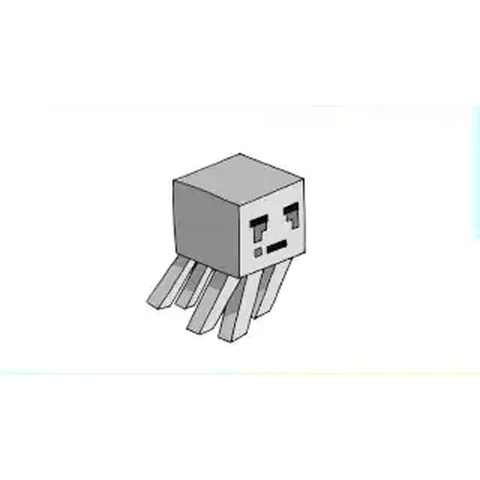 PDFHow to Draw a Minecraft Ghast (Design 2)Pixel style · Ages 7-9
 PDFHow to Draw Herobrine from Minecraft (Design 2)Pixel style · Ages 7-9
 PDFHow to Draw Minecraft an Iron Golem (Design 2)Pixel style · Ages 7-9
 PDFHow to Draw a Minecraft OcelotPixel style · Ages 7-9
 PDFHow to Draw a Minecraft Panda Eating CakePixel style · Ages 7-9
 PDFHow to Draw a Minecraft ParrotPixel style · Ages 7-9
 PDFHow to Draw a Minecraft PickaxePixel style · Ages 7-9
 PDFHow to Draw a Minecraft SpiderPixel style · Ages 7-9
 PDFHow to Draw a Minecraft Spider (Design 2)Pixel style · Ages 7-9
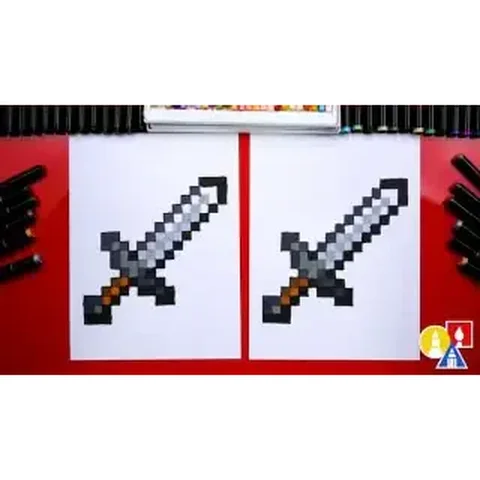 PDFHow to Draw a Minecraft SwordPixel style · Ages 7-9