

A step-by-step drawing of a cute blocky Minecraft panda sitting down and holding a slice of cake with pixel hearts around it. The tutorial uses a black marker to draw the boxy geometric shapes and finishes by coloring the panda's patches, cake, and hearts. Free printable PDF for A4 and US Letter paper.
Print at 100% scale (“Actual size”). Plain printer paper works fine; crayons, colored pencils or markers all work.
 Draw a square in the upper center of the paper for the panda's head.
 Add a smaller rectangle at the bottom of the head for the snout and nose.
 Draw two square ears on top and blocky eye patches on the sides of the snout.
 Fill in the black pixel details inside the ears and eye patches.
 Draw a square below the head for the cake and add two blocky front paws holding it.
 Add pixel frosting and toppings onto the cake.
 Draw the lower body and two blocky back feet sitting on the ground.
 Draw floating pixel hearts around the panda and color the finished drawing.
You need: marker, paper, colored pencils.
Video by Art for Kids Hub on YouTube.
 More How to Draw
 PDFHow to Draw a Minecraft Frog Eating a Magma CubePixel style · Ages 7-9
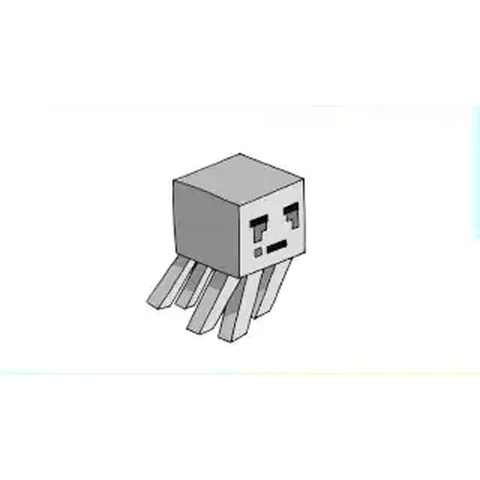 PDFHow to Draw a Minecraft Ghast (Design 2)Pixel style · Ages 7-9
 PDFHow to Draw a Minecraft OcelotPixel style · Ages 7-9
 PDFHow to Draw a Minecraft ParrotPixel style · Ages 7-9
 PDFHow to Draw a Minecraft PickaxePixel style · Ages 7-9
 PDFHow to Draw a Minecraft SpiderPixel style · Ages 7-9
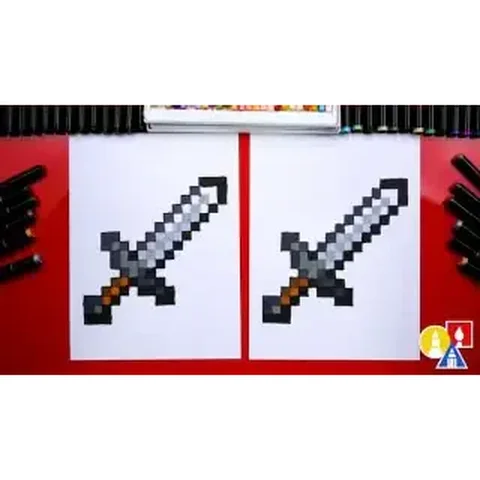 PDFHow to Draw a Minecraft SwordPixel style · Ages 7-9
 PDFHow to Draw Minecraft the WardenPixel style · Ages 7-9
 PDFHow to Draw Minecraft the Warden (Design 2)Pixel style · Ages 7-9
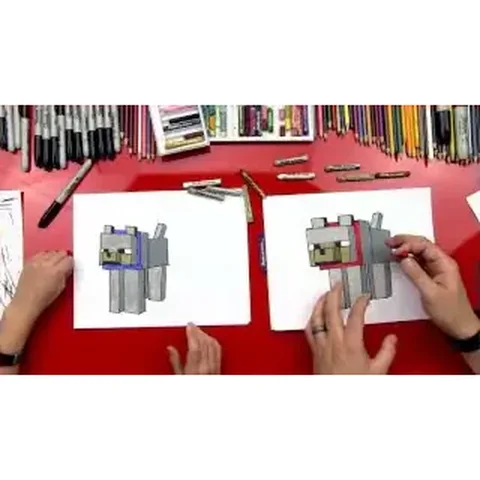 PDFHow to Draw a Minecraft Wolf (Dog)Pixel style · Ages 7-9
 PDFHow to Draw a Minecraft Zombie (Design 3)Pixel style · Ages 7-9
 PDFHow to Draw Minecraft a Zombie PigmanPixel style · Ages 7-9