
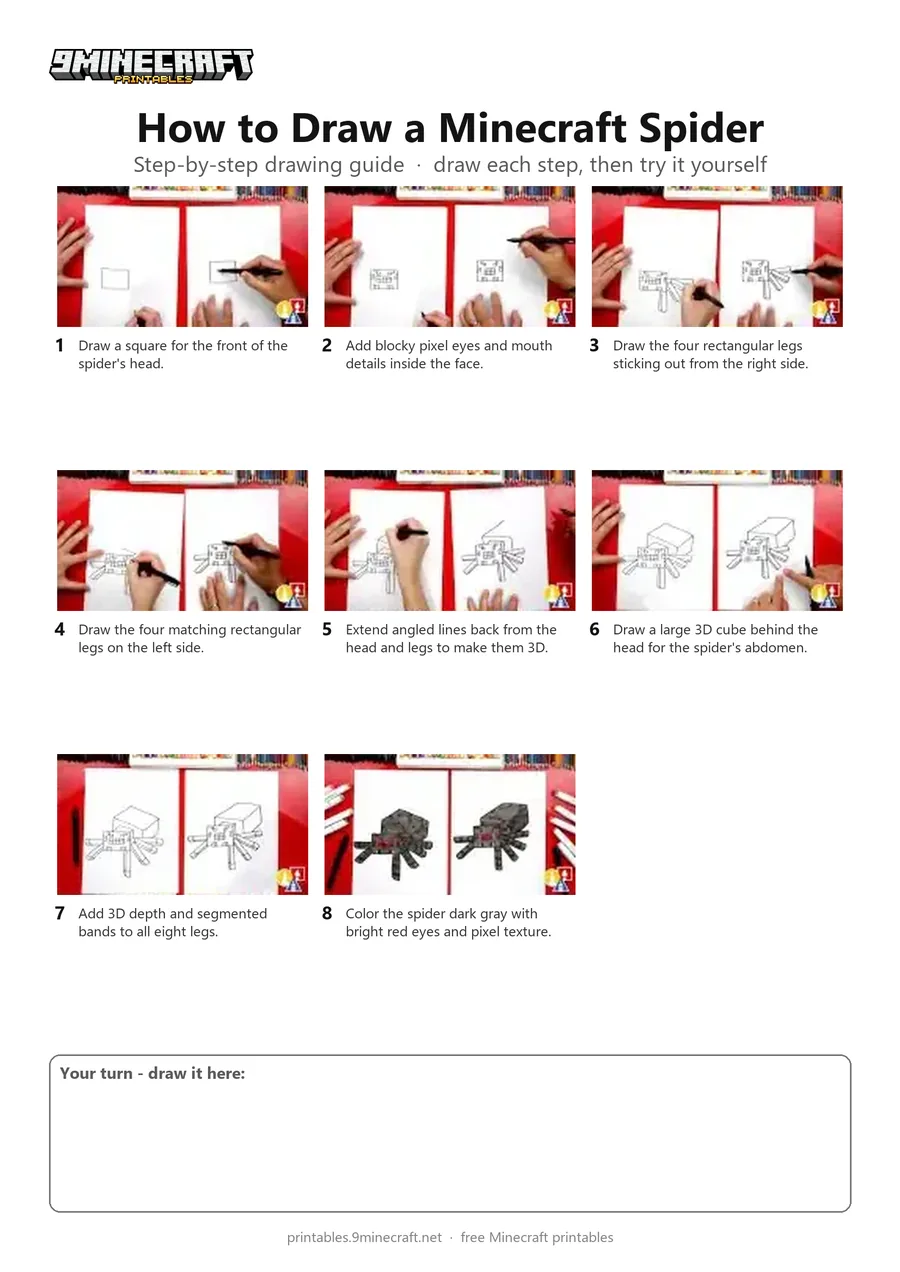
Learn how to draw a 3D blocky Minecraft Spider complete with eight legs and glowing red pixel eyes. Follow along with a black marker to build the geometric cubes and finish with dark gray and red markers. Free printable PDF for A4 and US Letter paper.
Print at 100% scale (“Actual size”). Plain printer paper works fine; crayons, colored pencils or markers all work.
 Draw a square for the front of the spider's head.
 Add blocky pixel eyes and mouth details inside the face.
 Draw the four rectangular legs sticking out from the right side.
 Draw the four matching rectangular legs on the left side.
 Extend angled lines back from the head and legs to make them 3D.
 Draw a large 3D cube behind the head for the spider's abdomen.
 Add 3D depth and segmented bands to all eight legs.
 Color the spider dark gray with bright red eyes and pixel texture.
You need: paper, black marker, colored markers.
Video by Art for Kids Hub on YouTube.
 More How to Draw
 PDFHow to Draw a Minecraft Frog Eating a Magma CubePixel style · Ages 7-9
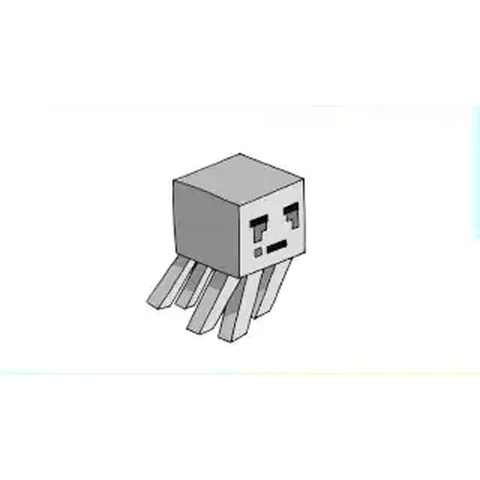 PDFHow to Draw a Minecraft Ghast (Design 2)Pixel style · Ages 7-9
 PDFHow to Draw a Minecraft OcelotPixel style · Ages 7-9
 PDFHow to Draw a Minecraft Panda Eating CakePixel style · Ages 7-9
 PDFHow to Draw a Minecraft ParrotPixel style · Ages 7-9
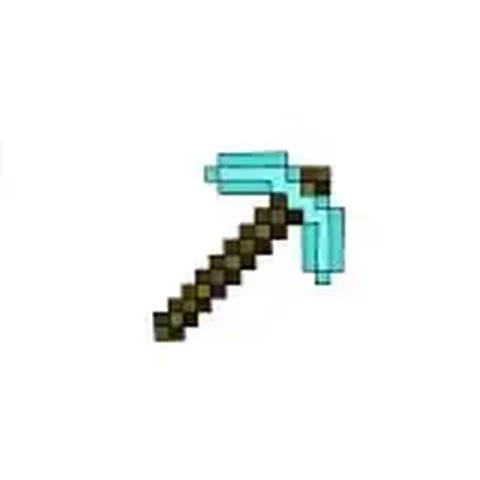 PDFHow to Draw a Minecraft PickaxePixel style · Ages 7-9
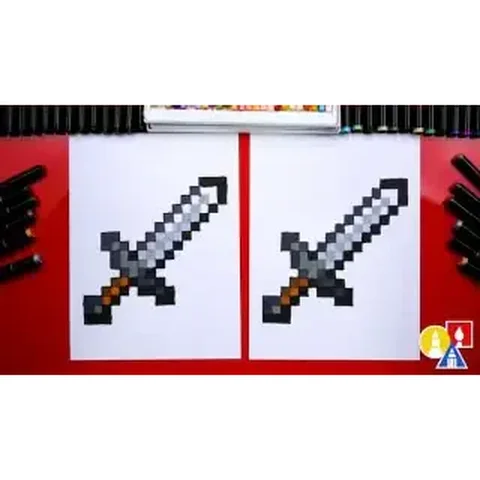 PDFHow to Draw a Minecraft SwordPixel style · Ages 7-9
 PDFHow to Draw Minecraft the WardenPixel style · Ages 7-9
 PDFHow to Draw Minecraft the Warden (Design 2)Pixel style · Ages 7-9
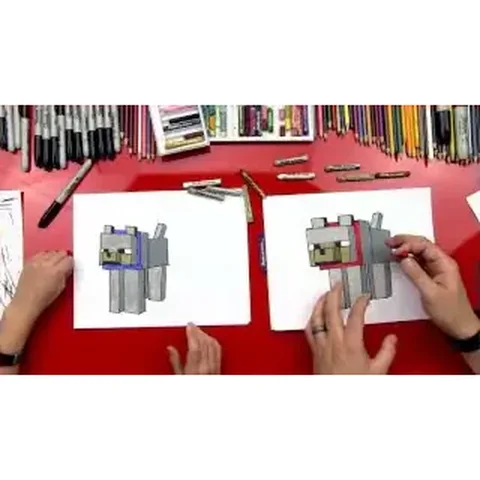 PDFHow to Draw a Minecraft Wolf (Dog)Pixel style · Ages 7-9
 PDFHow to Draw a Minecraft Zombie (Design 3)Pixel style · Ages 7-9
 PDFHow to Draw Minecraft a Zombie PigmanPixel style · Ages 7-9