
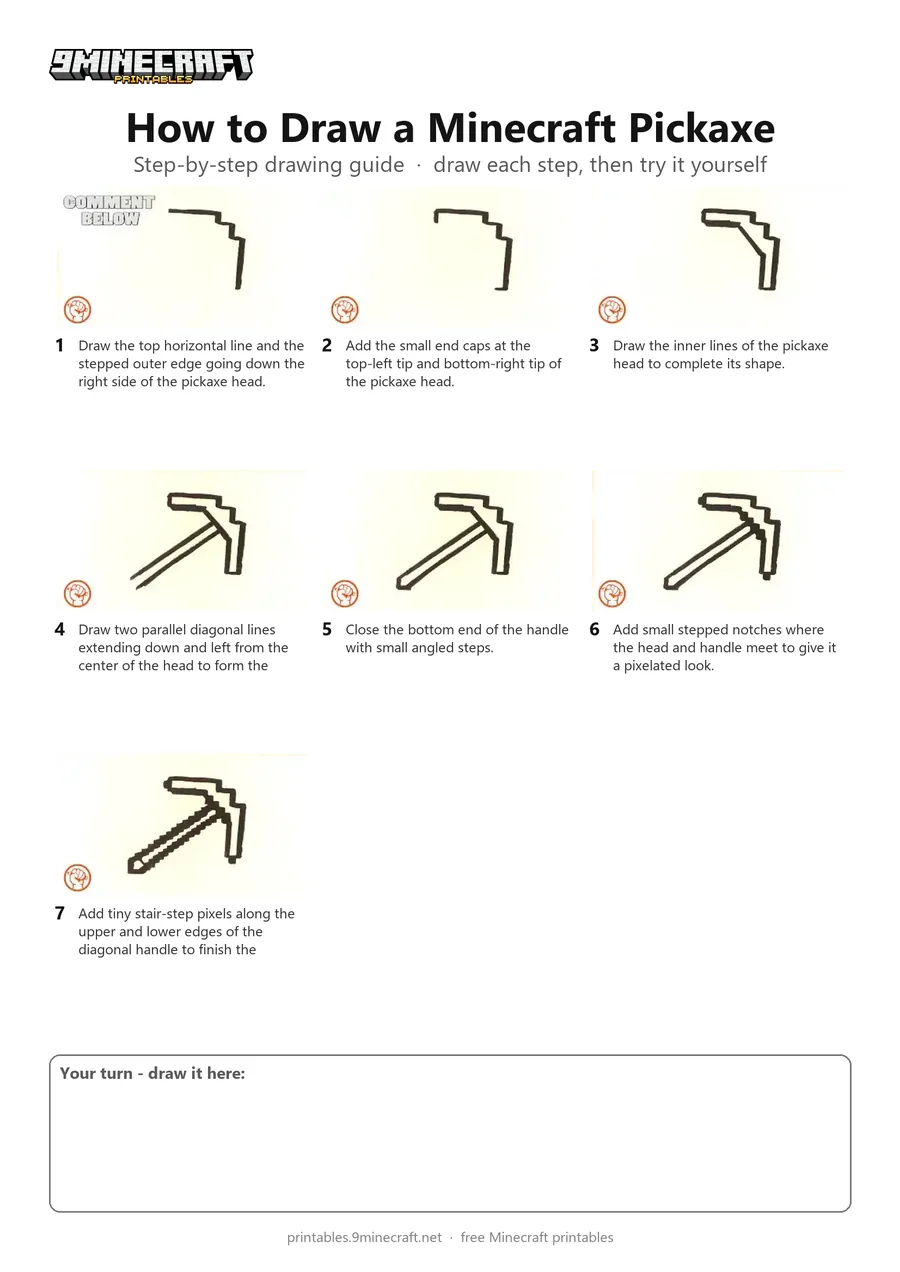
This tutorial shows how to draw a pixelated Minecraft pickaxe in black line art. Using a single marker, you will build the stepped outline of the pickaxe head and then add the angled pixelated handle. Free printable PDF for A4 and US Letter paper.
Print at 100% scale (“Actual size”). Plain printer paper works fine; crayons, colored pencils or markers all work.
 Draw the top horizontal line and the stepped outer edge going down the right side of the pickaxe head.
 Add the small end caps at the top-left tip and bottom-right tip of the pickaxe head.
 Draw the inner lines of the pickaxe head to complete its shape.
 Draw two parallel diagonal lines extending down and left from the center of the head to form the handle.
 Close the bottom end of the handle with small angled steps.
 Add small stepped notches where the head and handle meet to give it a pixelated look.
 Add tiny stair-step pixels along the upper and lower edges of the diagonal handle to finish the drawing.
You need: marker.
Video by EasyPicturesToDraw on YouTube.
 More How to Draw
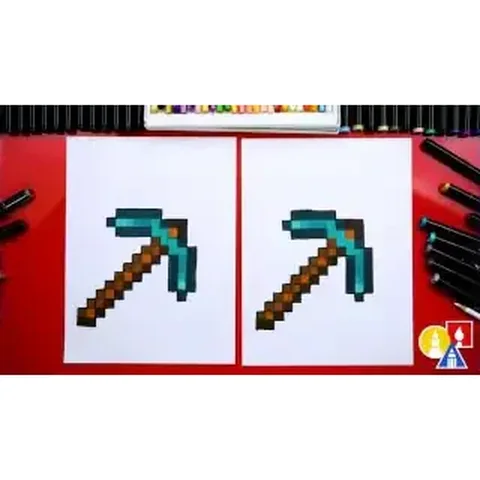 PDFHow to Draw a Minecraft Pickaxe (Design 2)Pixel style · Ages 7-9
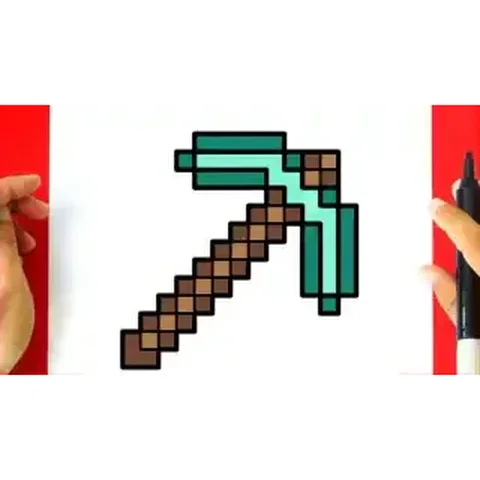 PDFHow to Draw a Minecraft Pickaxe (Design 3)Pixel style · Ages 7-9
 PDFHow to Draw Minecraft an AllayPixel style · Ages 7-9
 PDFHow to Draw a Minecraft BeePixel style · Ages 7-9
 PDFHow to Draw a Minecraft CatPixel style · Ages 7-9
 PDFHow to Draw a Minecraft Chicken (Design 2)Pixel style · Ages 7-9
 PDFHow to Draw a Minecraft CowPixel style · Ages 7-9
 PDFHow to Draw a Minecraft Creeper FacePixel style · Ages 7-9
 PDFHow to Draw a Minecraft Creeper (Design 6)Pixel style · Ages 7-9
 PDFHow to Draw Minecraft Diamond Armor StevePixel style · Ages 7-9
 PDFHow to Draw a Minecraft Diamond AxePixel style · Ages 7-9
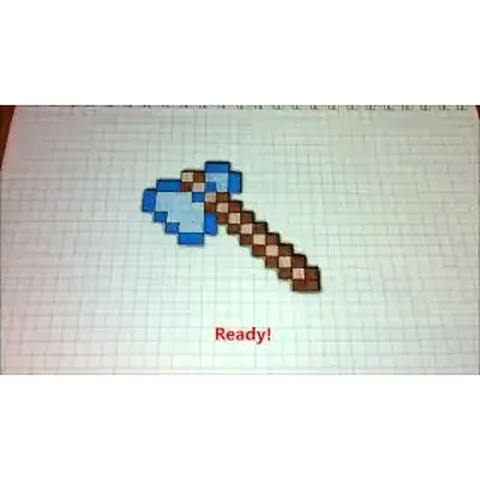 PDFHow to Draw a Minecraft Diamond Axe (Design 2)Pixel style · Ages 7-9