

This tutorial shows how to draw a pixelated Minecraft Ghast with an open mouth and tentacles. It breaks down the square head, facial features, and dangling tentacles into simple line steps before adding color. Free printable PDF for A4 and US Letter paper.
Print at 100% scale (“Actual size”). Plain printer paper works fine; crayons, colored pencils or markers all work.
 Draw a large square for the Ghast's head.
 Draw the blocky outline of the open mouth near the bottom center of the square.
 Fill in the top and sides of the mouth with black, leaving a small rectangle at the bottom.
 Draw two horizontal lines above the mouth and add blocky shapes on top for the eyes.
 Fill in the center of both eyes with black.
 Draw a long vertical rectangle hanging down from the center of the head for the first tentacle.
 Add two more rectangular tentacles on either side of the middle one.
 Draw two thinner tentacles in the background to complete the outline.
 Color the inside of the mouth and eyes red, and add grey shading details to the face and tentacles.
You need: pen, markers.
Video by Liga da Brincadeira - Como Desenhar on YouTube.
 More How to Draw
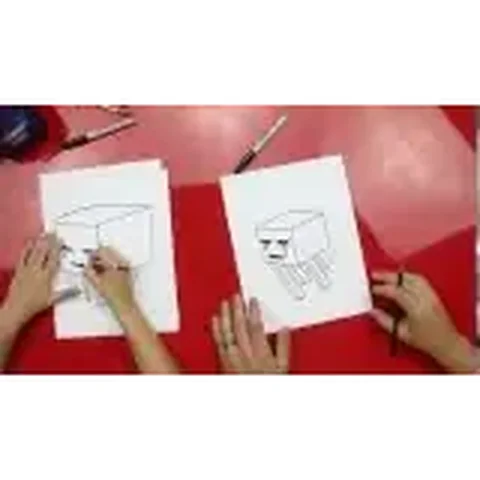 PDFHow to Draw a Minecraft GhastPixel style · Ages 7-9
 PDFHow to Draw a Minecraft Ghast (Design 3)Pixel style · Ages 7-9
 PDFHow to Draw Minecraft a GhastPixel style · Ages 7-9
 PDFHow to Draw Minecraft an AllayPixel style · Ages 7-9
 PDFHow to Draw Minecraft a Baby Happy GhastCute / chibi · Ages 7-9
 PDFHow to Draw a Minecraft BeePixel style · Ages 7-9
 PDFHow to Draw a Minecraft CatPixel style · Ages 7-9
 PDFHow to Draw a Minecraft CowPixel style · Ages 7-9
 PDFHow to Draw a Minecraft Creeper FacePixel style · Ages 7-9
 PDFHow to Draw a Minecraft Creeper (Design 6)Pixel style · Ages 7-9
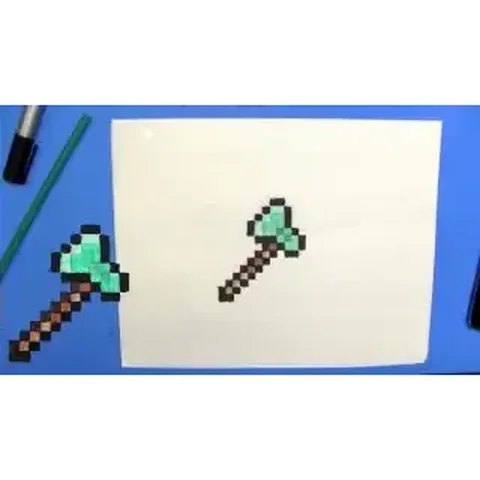 PDFHow to Draw a Minecraft Diamond AxePixel style · Ages 7-9
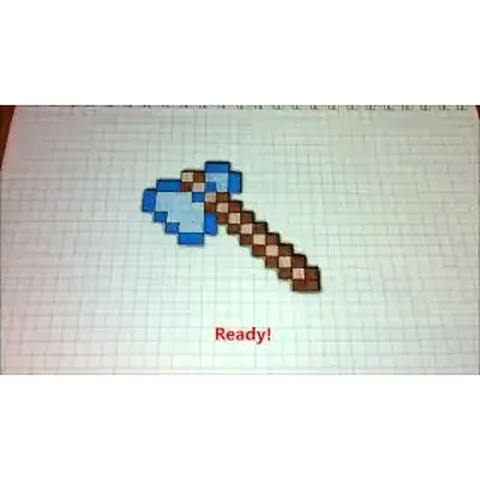 PDFHow to Draw a Minecraft Diamond Axe (Design 2)Pixel style · Ages 7-9