
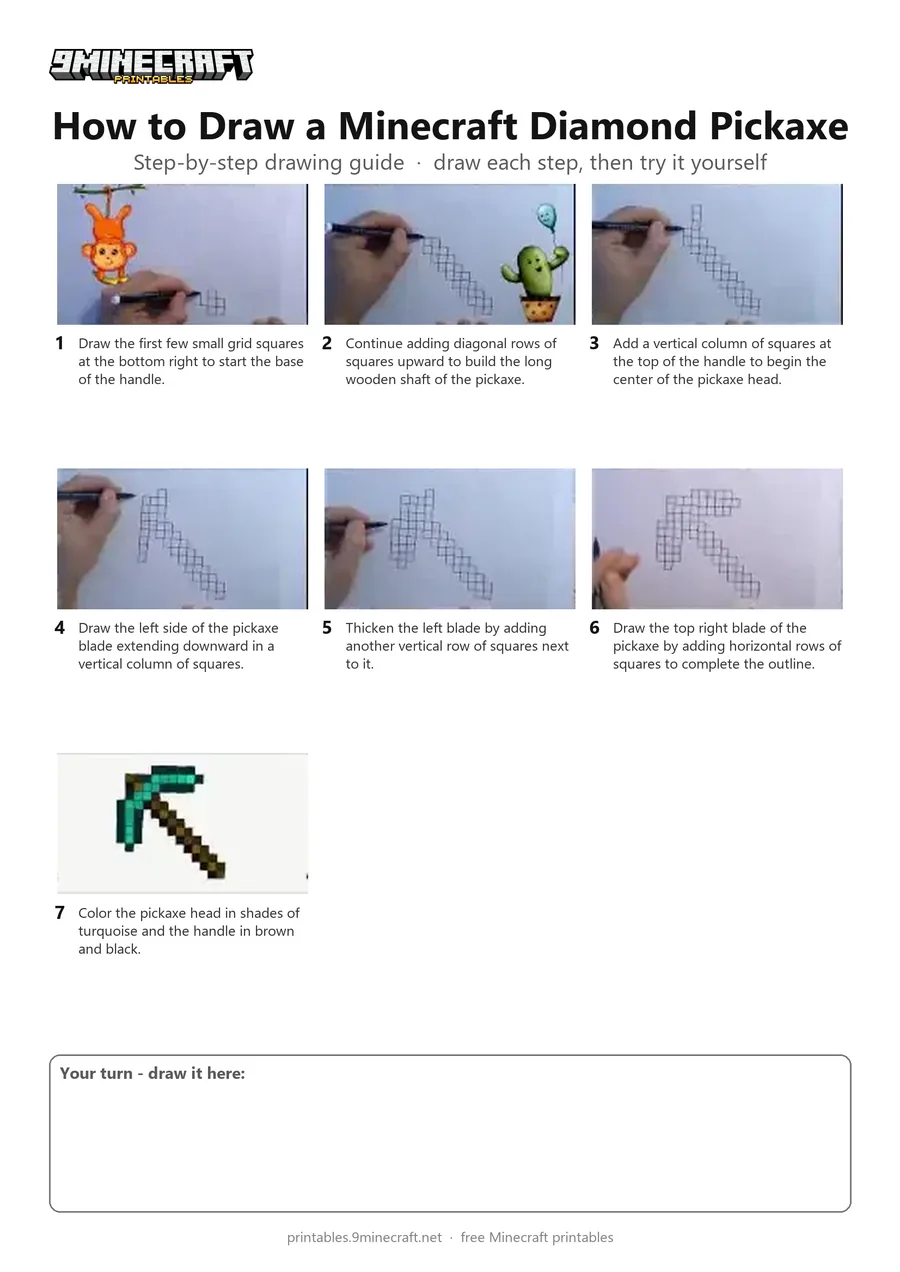
A pixel-art drawing of a Minecraft diamond pickaxe made by carefully sketching individual grid squares. The pickaxe handle and blade are built block by block and then shown fully colored in turquoise and brown. Free printable PDF for A4 and US Letter paper.
Print at 100% scale (“Actual size”). Plain printer paper works fine; crayons, colored pencils or markers all work.
 Draw the first few small grid squares at the bottom right to start the base of the handle.
 Continue adding diagonal rows of squares upward to build the long wooden shaft of the pickaxe.
 Add a vertical column of squares at the top of the handle to begin the center of the pickaxe head.
 Draw the left side of the pickaxe blade extending downward in a vertical column of squares.
 Thicken the left blade by adding another vertical row of squares next to it.
 Draw the top right blade of the pickaxe by adding horizontal rows of squares to complete the outline.
 Color the pickaxe head in shades of turquoise and the handle in brown and black.
You need: marker, paper.
Video by Pablo ART on YouTube.
 More How to Draw
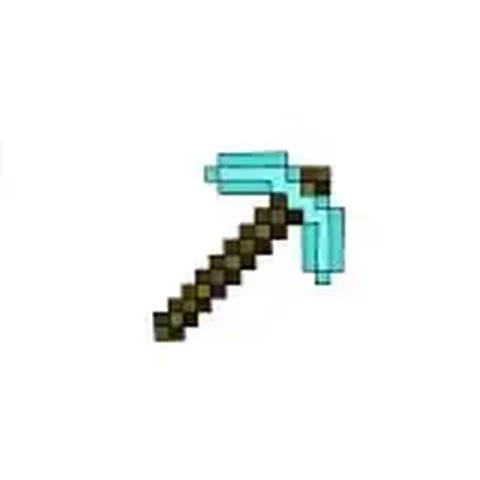 PDFHow to Draw a Minecraft PickaxePixel style · Ages 7-9
 PDFHow to Draw Alex from Minecraft (Design 6)Pixel style · Ages 7-9
 PDFHow to Draw a Minecraft AxolotlPixel style · Ages 7-9
 PDFHow to Draw a Minecraft Bee (Design 3)Pixel style · Ages 7-9
 PDFHow to Draw a Minecraft ChickenPixel style · Ages 7-9
 PDFHow to Draw Minecraft Diamond Armor StevePixel style · Ages 7-9
 PDFHow to Draw a Minecraft Diamond (Design 2)Pixel style · Ages 7-9
 PDFHow to Draw a Minecraft Diamond (Design 3)Pixel style · Ages 7-9
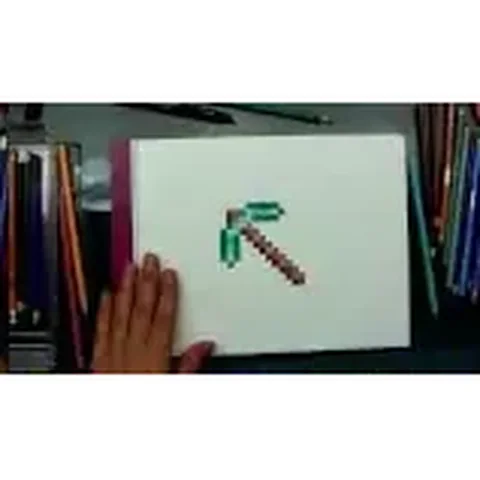 PDFHow to Draw a Minecraft Diamond PickaxePixel style · Ages 7-9
 PDFHow to Draw a Minecraft Diamond Sword (Design 4)Pixel style · Ages 7-9
 PDFHow to Draw a Minecraft Diamond Sword (Design 5)Pixel style · Ages 7-9
 PDFDiamond Tools Pixel Art Grid GuidePixel style · Ages 7-9