
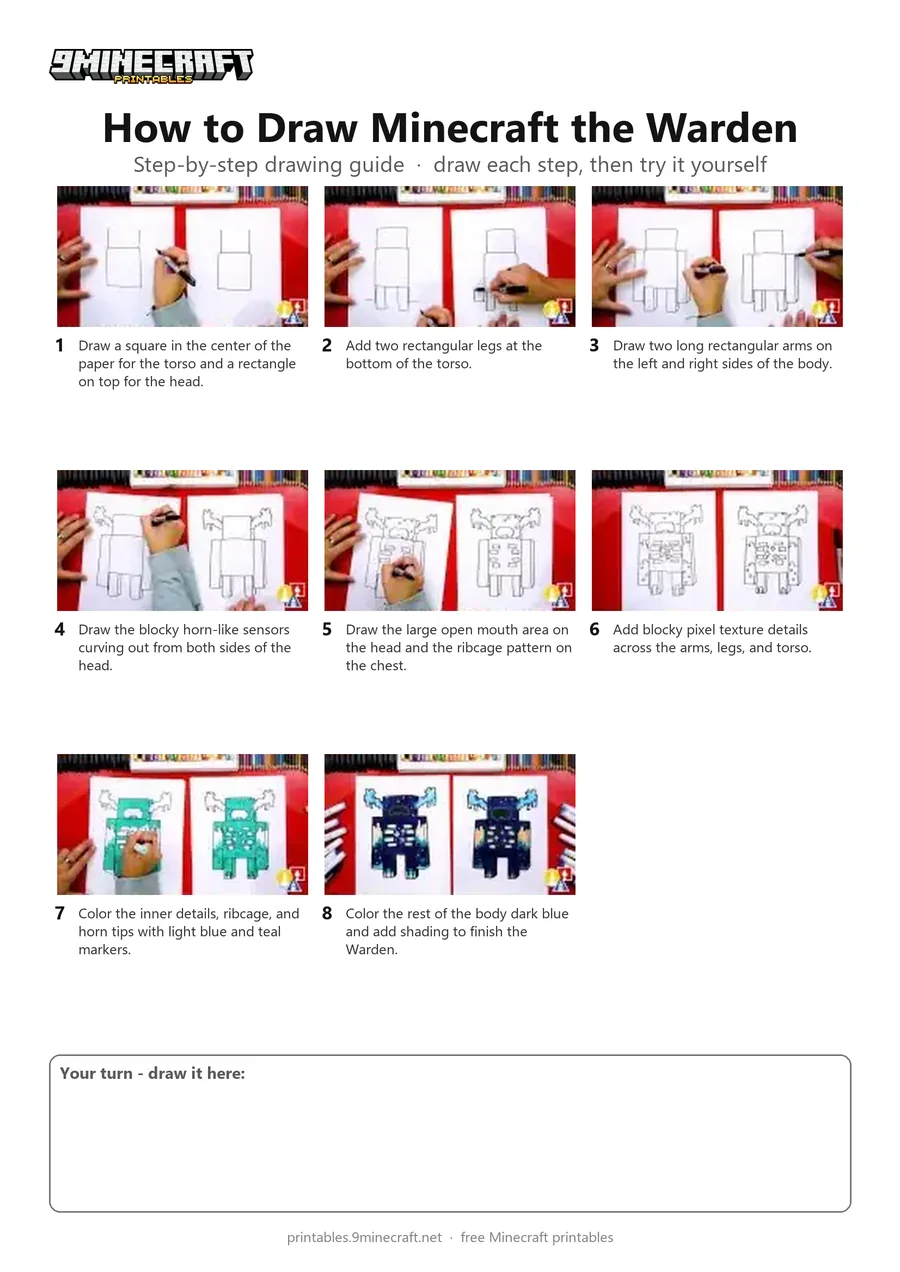
This tutorial shows how to draw the Warden from Minecraft using simple blocky shapes and pixel-style details. The character is outlined with a black marker and colored in shades of dark blue and teal. Free printable PDF for A4 and US Letter paper.
Print at 100% scale (“Actual size”). Plain printer paper works fine; crayons, colored pencils or markers all work.
 Draw a square in the center of the paper for the torso and a rectangle on top for the head.
 Add two rectangular legs at the bottom of the torso.
 Draw two long rectangular arms on the left and right sides of the body.
 Draw the blocky horn-like sensors curving out from both sides of the head.
 Draw the large open mouth area on the head and the ribcage pattern on the chest.
 Add blocky pixel texture details across the arms, legs, and torso.
 Color the inner details, ribcage, and horn tips with light blue and teal markers.
 Color the rest of the body dark blue and add shading to finish the Warden.
You need: paper, black marker, colored markers.
Video by Art for Kids Hub on YouTube.
 More How to Draw
 PDFHow to Draw Minecraft the Warden (Design 2)Pixel style · Ages 7-9
 PDFHow to Draw a Minecraft Frog Eating a Magma CubePixel style · Ages 7-9
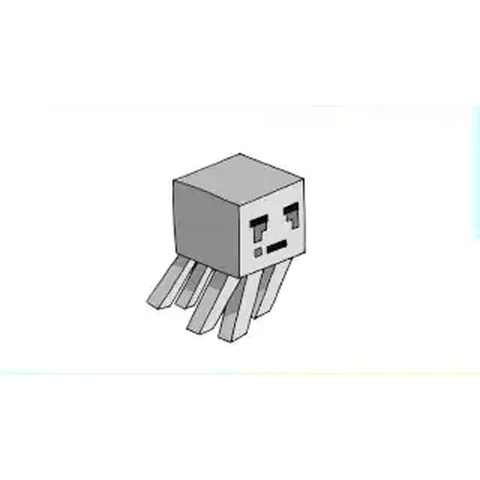 PDFHow to Draw a Minecraft Ghast (Design 2)Pixel style · Ages 7-9
 PDFHow to Draw a Minecraft OcelotPixel style · Ages 7-9
 PDFHow to Draw a Minecraft Panda Eating CakePixel style · Ages 7-9
 PDFHow to Draw a Minecraft ParrotPixel style · Ages 7-9
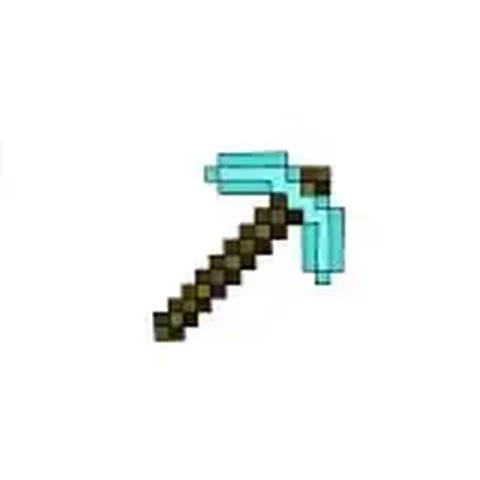 PDFHow to Draw a Minecraft PickaxePixel style · Ages 7-9
 PDFHow to Draw a Minecraft SpiderPixel style · Ages 7-9
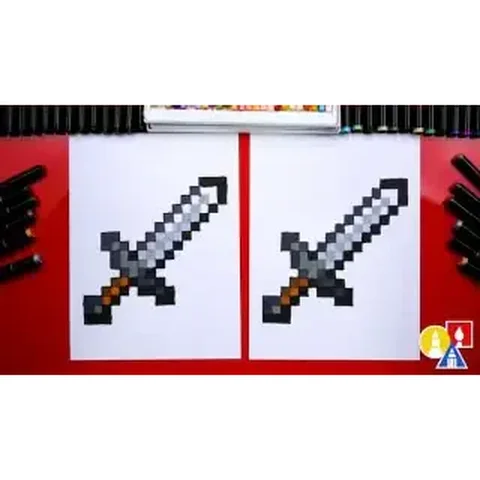 PDFHow to Draw a Minecraft SwordPixel style · Ages 7-9
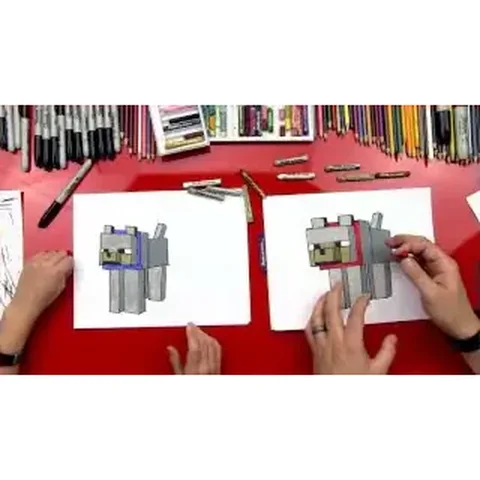 PDFHow to Draw a Minecraft Wolf (Dog)Pixel style · Ages 7-9
 PDFHow to Draw a Minecraft Zombie (Design 3)Pixel style · Ages 7-9
 PDFHow to Draw Minecraft a Zombie PigmanPixel style · Ages 7-9