

A pixel-accurate drawing of a Minecraft Diamond Sword created by coloring squares on grid paper. The tutorial uses dark teal, brown, and light blue markers to build the hilt and blade block by block. Free printable PDF for A4 and US Letter paper.
Print at 100% scale (“Actual size”). Plain printer paper works fine; crayons, colored pencils or markers all work.
 Color a 3x3 square at the bottom left for the pommel, using dark teal for the border and a lighter teal in the center.
 Color a diagonal line of brown and dark brown squares going up and right for the sword's handle.
 Outline the diagonal crossguard above the handle using a dark teal marker.
 Fill the inside of the crossguard with teal squares.
 Draw the long diagonal outline of the sword blade extending up to the top right with the dark teal marker.
 Color the inner squares and center line of the blade with a light blue marker to finish the diamond sword.
You need: markers, grid paper.
Video by Chrisfer Art on YouTube.
 More How to Draw
 PDFHow to Draw Minecraft an AllayPixel style · Ages 7-9
 PDFHow to Draw a Minecraft BeePixel style · Ages 7-9
 PDFHow to Draw a Minecraft CatPixel style · Ages 7-9
 PDFHow to Draw a Minecraft Creeper FacePixel style · Ages 7-9
 PDFHow to Draw a Minecraft Diamond PickaxePixel style · Ages 7-9
 PDFHow to Draw a Minecraft FoxPixel style · Ages 7-9
 PDFHow to Draw a Minecraft GhastPixel style · Ages 7-9
 PDFHow to Draw Minecraft an Iron GolemPixel style · Ages 7-9
 PDFHow to Draw a Minecraft Pickaxe (Design 2)Pixel style · Ages 7-9
 PDFHow to Draw Minecraft a Pixel HeartPixel style · Ages 7-9
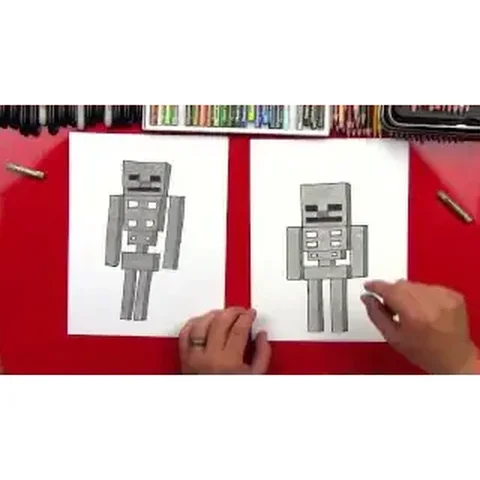 PDFHow to Draw a Minecraft SkeletonPixel style · Ages 7-9
 PDFHow to Draw a Minecraft Skeleton (Design 2)Pixel style · Ages 7-9