
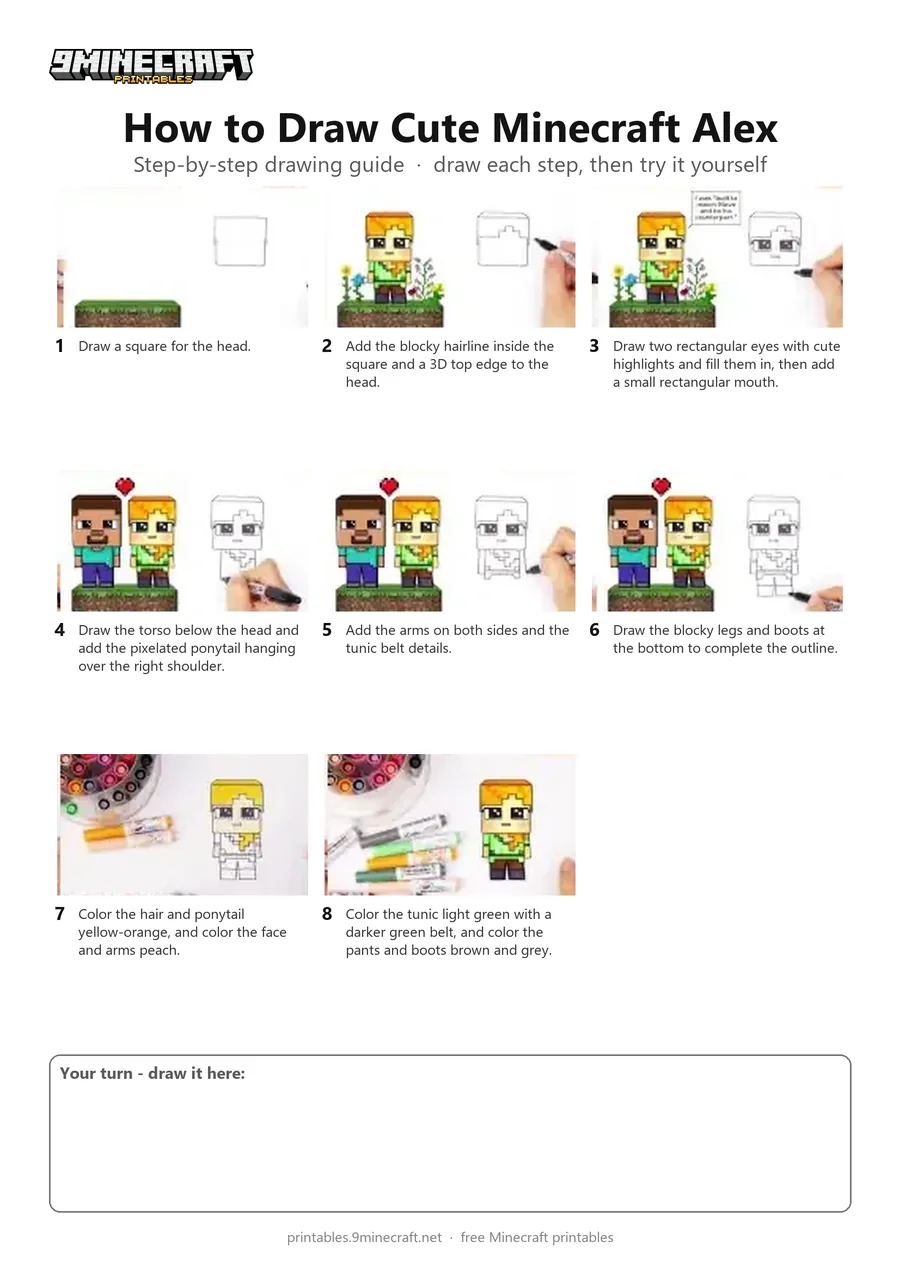
A step-by-step tutorial showing how to draw and color a cute chibi version of Alex from Minecraft using a black marker and colored markers. The drawing features Alex's signature pixelated orange ponytail, green tunic, and big cute eyes. Free printable PDF for A4 and US Letter paper.
Print at 100% scale (“Actual size”). Plain printer paper works fine; crayons, colored pencils or markers all work.
 Draw a square for the head.
 Add the blocky hairline inside the square and a 3D top edge to the head.
 Draw two rectangular eyes with cute highlights and fill them in, then add a small rectangular mouth.
 Draw the torso below the head and add the pixelated ponytail hanging over the right shoulder.
 Add the arms on both sides and the tunic belt details.
 Draw the blocky legs and boots at the bottom to complete the outline.
 Color the hair and ponytail yellow-orange, and color the face and arms peach.
 Color the tunic light green with a darker green belt, and color the pants and boots brown and grey.
You need: black marker, colored markers.
Video by Draw So Cute on YouTube.
 More How to Draw
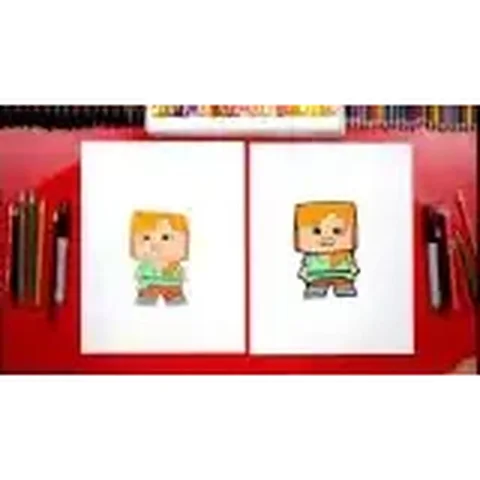 PDFHow to Draw Alex from Minecraft (Design 2)Cute / chibi · Ages 7-9
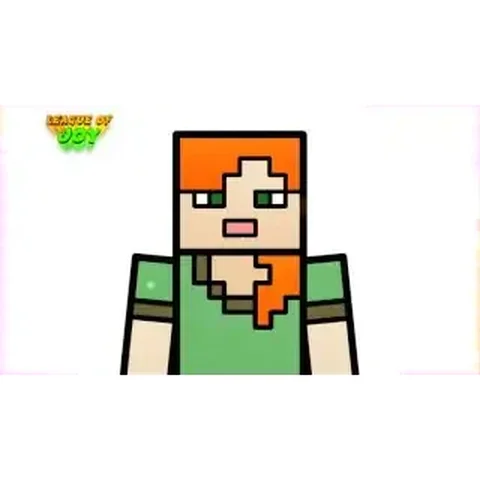 PDFHow to Draw Alex from MinecraftSimple · Ages 7-9
 PDFHow to Draw Minecraft a Baby Happy GhastCute / chibi · Ages 7-9
 PDFHow to Draw Minecraft a Christmas CreeperCute / chibi · Ages 7-9
 PDFHow to Draw a Minecraft Creeper (Design 3)Cute / chibi · Ages 7-9
 PDFHow to Draw a Cute Minecraft ZombieCute / chibi · Ages 7-9
 PDFHow to Draw Minecraft an Enderman (Design 4)Cute / chibi · Ages 7-9
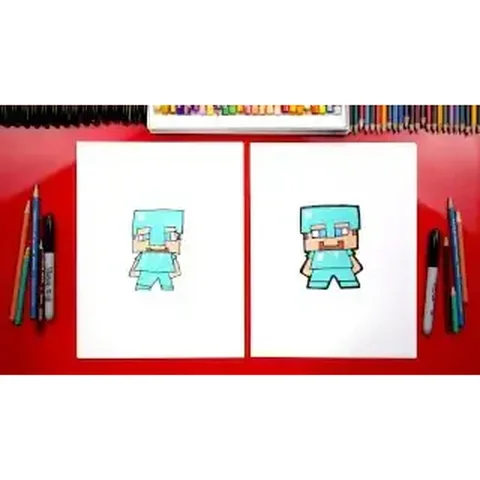 PDFHow to Draw Minecraft Steve With Diamond ArmorCute / chibi · Ages 7-9
 PDFHow to Draw Minecraft an AllayPixel style · Ages 7-9
 PDFHow to Draw a Minecraft BeePixel style · Ages 7-9
 PDFHow to Draw a Minecraft CatPixel style · Ages 7-9
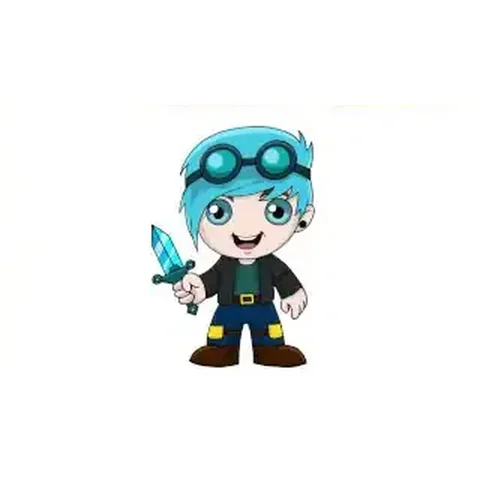 PDFHow to Draw Minecraft Chibi DanTDMCute / chibi · Ages 7-9