
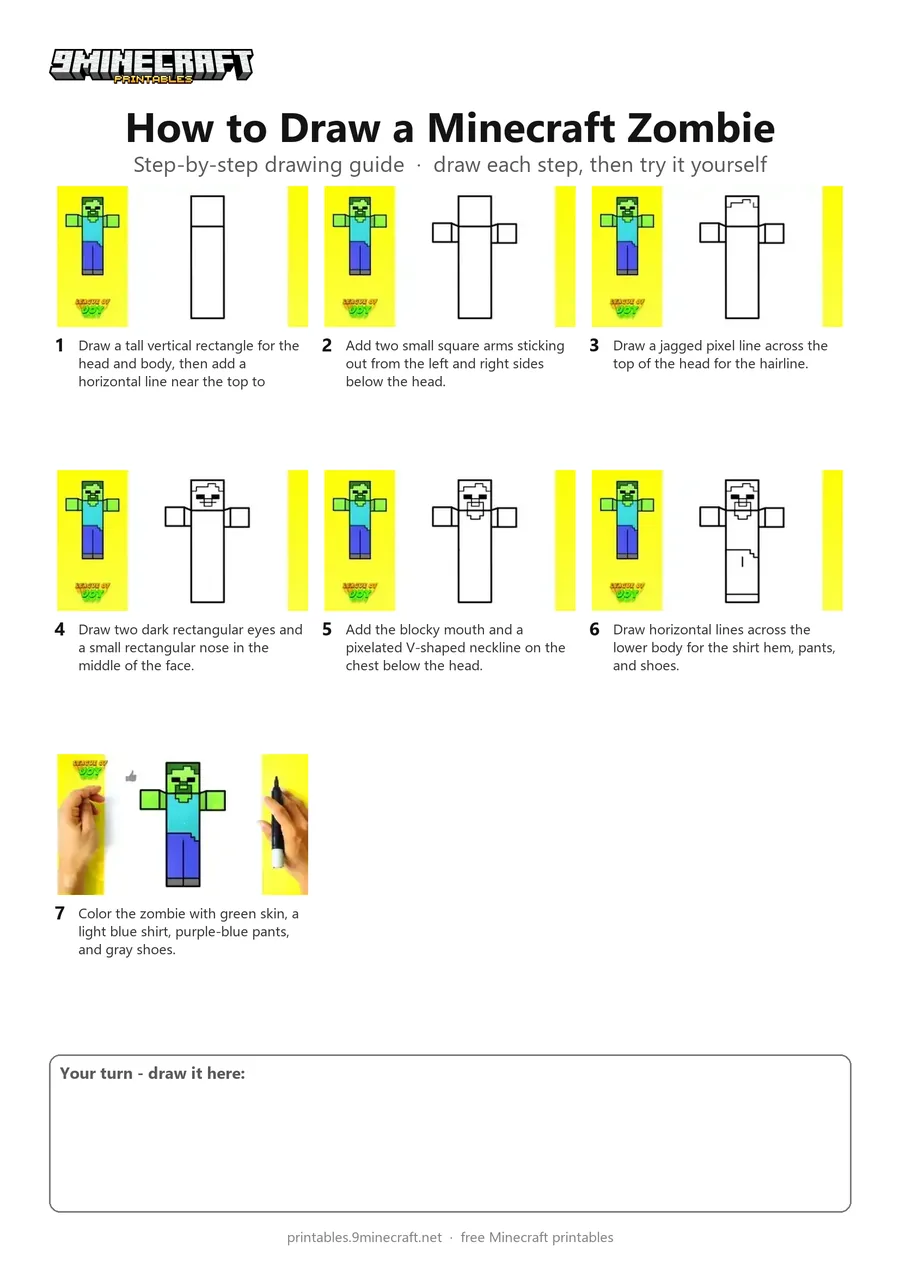
Learn how to draw a simple, blocky Minecraft Zombie standing with its arms stretched out. This easy step-by-step tutorial starts with basic rectangles for the body before adding pixel facial details and bright colors. Free printable PDF for A4 and US Letter paper.
Print at 100% scale (“Actual size”). Plain printer paper works fine; crayons, colored pencils or markers all work.
 Draw a tall vertical rectangle for the head and body, then add a horizontal line near the top to separate the head.
 Add two small square arms sticking out from the left and right sides below the head.
 Draw a jagged pixel line across the top of the head for the hairline.
 Draw two dark rectangular eyes and a small rectangular nose in the middle of the face.
 Add the blocky mouth and a pixelated V-shaped neckline on the chest below the head.
 Draw horizontal lines across the lower body for the shirt hem, pants, and shoes.
 Color the zombie with green skin, a light blue shirt, purple-blue pants, and gray shoes.
You need: black marker, colored markers.
Video by League of Joy - How to Draw on YouTube.
 More How to Draw
 PDFHow to Draw Alex from MinecraftSimple · Ages 7-9
 PDFHow to Draw a Minecraft Creeper (Design 2)Simple · Ages 7-9
 PDFHow to Draw a Cute Minecraft ZombieCute / chibi · Ages 7-9
 PDFHow to Draw Minecraft an EndermanSimple · Ages 7-9
 PDFHow to Draw Herobrine from MinecraftSimple · Ages 7-9
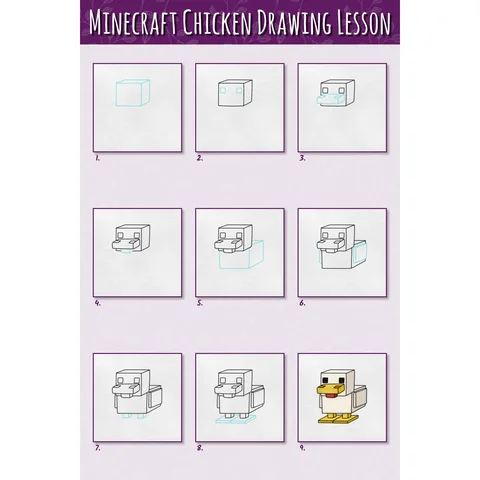 PDFHow to Draw a Minecraft Chicken Step by StepSimple · Ages 7-9
 PDFHow to Draw a Minecraft Iron GolemSimple · Ages 7-9
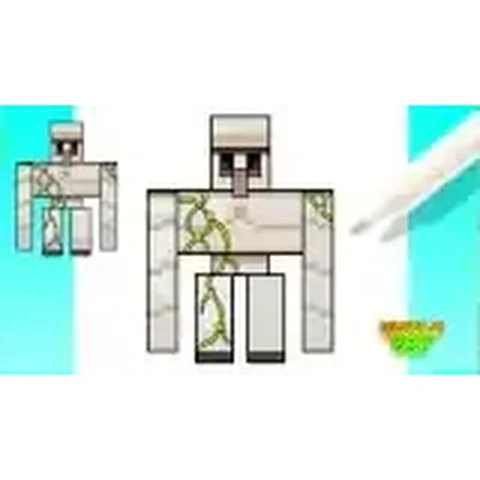 PDFHow to Draw an Iron Golem from MinecraftSimple · Ages 7-9
 PDFHow to Draw an Iron Golem from Minecraft (Design 2)Simple · Ages 7-9
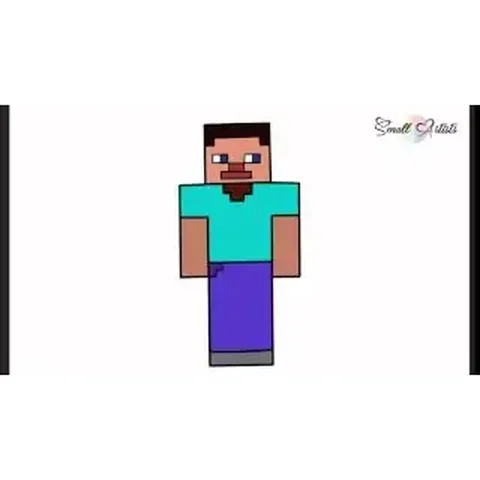 PDFHow to Draw Steve from MinecraftSimple · Ages 7-9
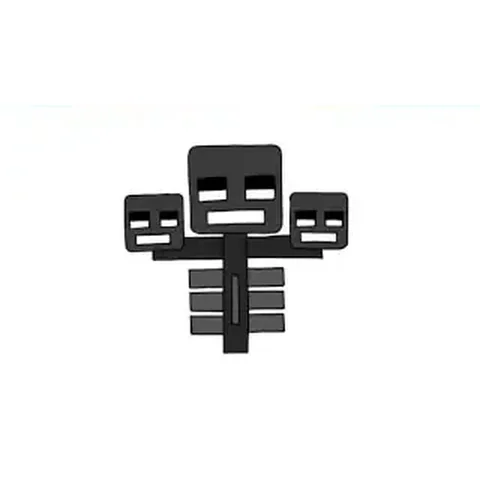 PDFHow to Draw the Minecraft WitherSimple · Ages 7-9
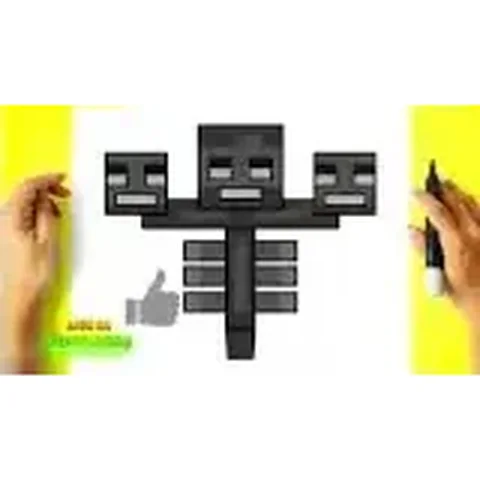 PDFHow to Draw Minecraft the WitherSimple · Ages 7-9