
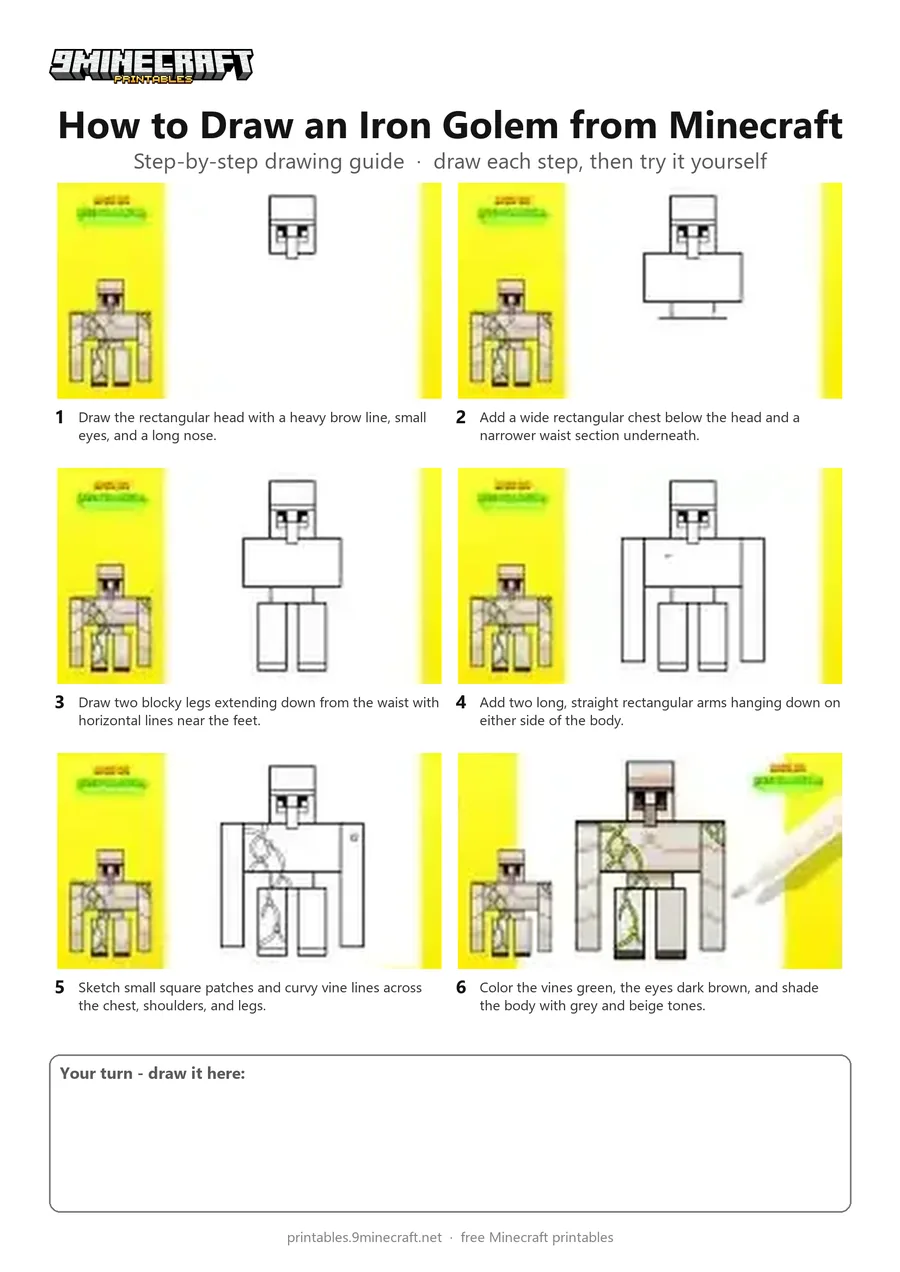
Learn how to draw a blocky Minecraft Iron Golem covered in green vines. This tutorial breaks down the character into simple rectangles and finishes with neat shading. Free printable PDF for A4 and US Letter paper.
Print at 100% scale (“Actual size”). Plain printer paper works fine; crayons, colored pencils or markers all work.
 Draw the rectangular head with a heavy brow line, small eyes, and a long nose.
 Add a wide rectangular chest below the head and a narrower waist section underneath.
 Draw two blocky legs extending down from the waist with horizontal lines near the feet.
 Add two long, straight rectangular arms hanging down on either side of the body.
 Sketch small square patches and curvy vine lines across the chest, shoulders, and legs.
 Color the vines green, the eyes dark brown, and shade the body with grey and beige tones.
You need: black pen, markers.
Video by Liga da Brincadeira - Como Desenhar on YouTube.
 More How to Draw
 PDFHow to Draw a Minecraft Iron GolemSimple · Ages 7-9
 PDFHow to Draw an Iron Golem from MinecraftSimple · Ages 7-9
 PDFHow to Draw Alex from MinecraftSimple · Ages 7-9
 PDFHow to Draw a Minecraft Creeper (Design 2)Simple · Ages 7-9
 PDFHow to Draw Minecraft an EndermanSimple · Ages 7-9
 PDFHow to Draw Herobrine from MinecraftSimple · Ages 7-9
 PDFHow to Draw a Minecraft HorseSimple · Ages 7-9
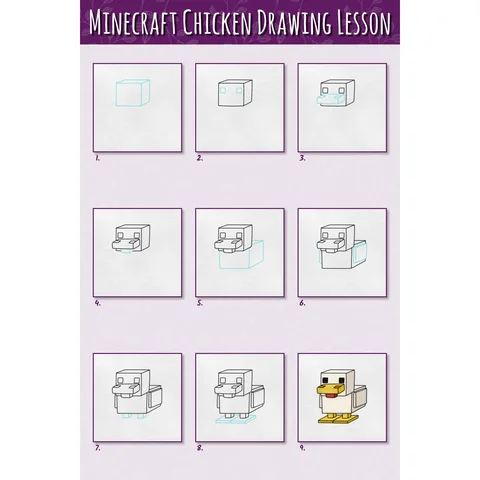 PDFHow to Draw a Minecraft Chicken Step by StepSimple · Ages 7-9
 PDFHow to Draw Minecraft an Iron GolemPixel style · Ages 7-9
 PDFHow to Draw a Minecraft Skeleton (Design 3)Simple · Ages 7-9
 PDFHow to Draw Steve from MinecraftSimple · Ages 7-9
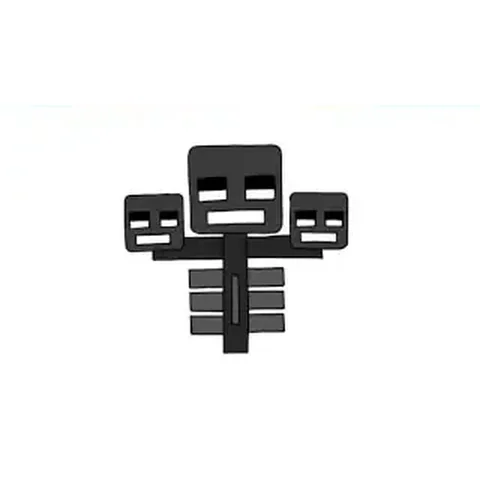 PDFHow to Draw the Minecraft WitherSimple · Ages 7-9