
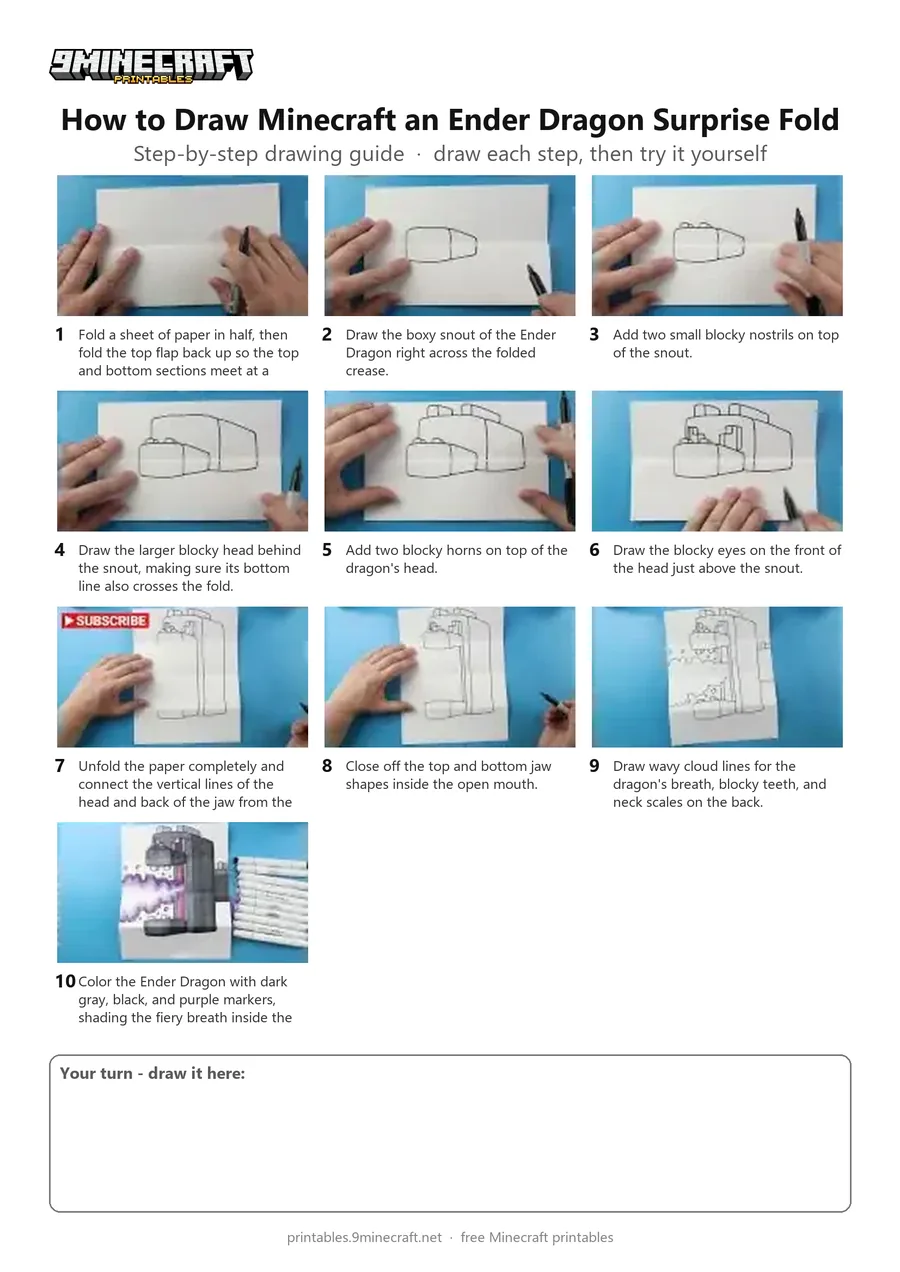
Learn how to create a cool folding surprise drawing of the Minecraft Ender Dragon's head. When folded, the dragon's mouth is closed, and when unfolded, it opens wide to breathe purple fire!. Free printable PDF for A4 and US Letter paper.
Print at 100% scale (“Actual size”). Plain printer paper works fine; crayons, colored pencils or markers all work.
 Fold a sheet of paper in half, then fold the top flap back up so the top and bottom sections meet at a crease.
 Draw the boxy snout of the Ender Dragon right across the folded crease.
 Add two small blocky nostrils on top of the snout.
 Draw the larger blocky head behind the snout, making sure its bottom line also crosses the fold.
 Add two blocky horns on top of the dragon's head.
 Draw the blocky eyes on the front of the head just above the snout.
 Unfold the paper completely and connect the vertical lines of the head and back of the jaw from the top to the bottom.
 Close off the top and bottom jaw shapes inside the open mouth.
 Draw wavy cloud lines for the dragon's breath, blocky teeth, and neck scales on the back.
 Color the Ender Dragon with dark gray, black, and purple markers, shading the fiery breath inside the mouth.
You need: paper, black marker, colored markers.
Video by Art Land on YouTube.
 More How to Draw
 PDFHow to Draw Minecraft an Ender Dragon Surprise FoldCartoon · Ages 7-9
 PDFHow to Draw Minecraft a Baby Ender DragonCute / chibi · Ages 7-9
 PDFHow to Draw a Blastling from Minecraft DungeonsCartoon · Ages 7-9
 PDFHow to Draw a Minecraft Chest Folding SurpriseCartoon · Ages 7-9
 PDFHow to Draw Minecraft a Chicken JockeyCartoon · Ages 7-9
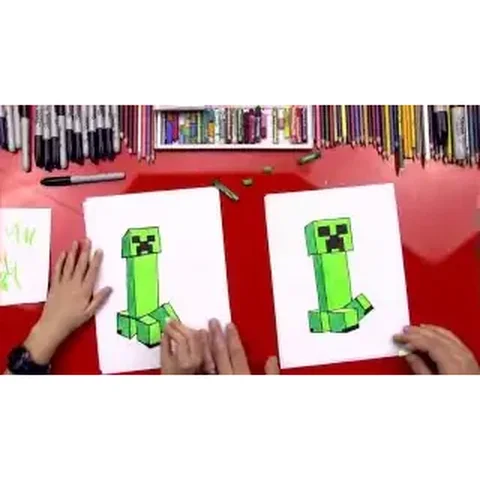 PDFHow to Draw a Minecraft CreeperCartoon · Ages 7-9
 PDFHow to Draw a Minecraft Creeper (Design 5)Cartoon · Ages 7-9
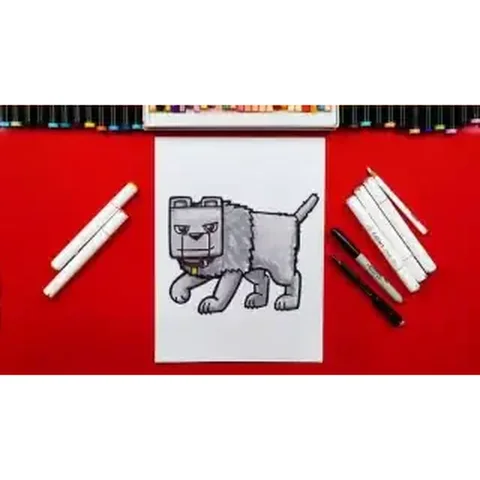 PDFHow to Draw Dennis the Wolf from A Minecraft MovieCartoon · Ages 7-9
 PDFHow to Draw Minecraft an Enderman (Design 7)Cartoon · Ages 7-9
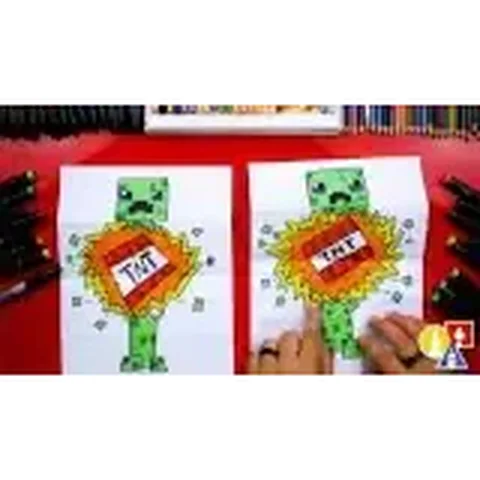 PDFHow to Draw Minecraft an Exploding Creeper Folding SurpriseCartoon · Ages 7-9
 PDFHow to Draw a Minecraft Ghast (Design 4)Cartoon · Ages 7-9
 PDFHow to Draw Minecraft HerobrineCartoon · Ages 7-9