

Learn how to draw an isometric 3D Minecraft grass block with its classic pixelated grass overhang. This simple line-by-line tutorial breaks down the cube shape and jagged grass border into easy steps. Free printable PDF for A4 and US Letter paper.
Print at 100% scale (“Actual size”). Plain printer paper works fine; crayons, colored pencils or markers all work.
 Draw two angled lines meeting at a bottom point to form a wide V shape.
 Add two vertical lines going up from the left and right ends of the V.
 Connect the top with two angled lines meeting at a peak to complete a hexagon.
 Draw two lines from the top-left and top-right corners meeting in the center.
 Draw a vertical line straight down from the center point to complete the 3D cube.
 Draw a jagged, pixelated line across the top of the left face for the grass overhang.
 Continue the jagged pixelated grass line across the top of the right face to finish.
You need: pen.
Video by Focal Pencil on YouTube.
 More How to Draw
 PDFHow to Draw Minecraft an Enderman Holding a Grass BlockSimple · Ages 7-9
 PDFHow to Draw Alex from MinecraftSimple · Ages 7-9
 PDFHow to Draw Alex from Minecraft (Design 3)Simple · Ages 7-9
 PDFHow to Draw Alex from Minecraft (Design 4)Simple · Ages 7-9
 PDFHow to Draw a Minecraft ChestSimple · Ages 7-9
 PDFHow to Draw a Minecraft Creeper (Design 2)Simple · Ages 7-9
 PDFHow to Draw Minecraft a CreeperSimple · Ages 7-9
 PDFHow to Draw Minecraft an EndermanSimple · Ages 7-9
 PDFHow to Draw Herobrine from MinecraftSimple · Ages 7-9
 PDFHow to Draw Minecraft Herobrine (Design 2)Simple · Ages 7-9
 PDFHow to Draw a Minecraft HorseSimple · Ages 7-9
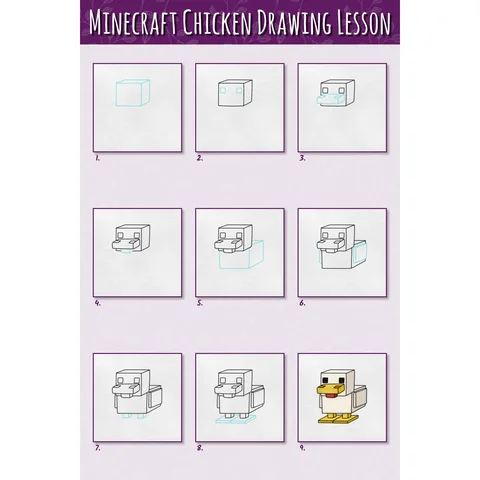 PDFHow to Draw a Minecraft Chicken Step by StepSimple · Ages 7-9